

One scan to the right control, worker, and asset.
Jobsite QR codes that turn field scans into safety workflows.
Print a code, put it where the work happens, and the phone camera does the rest. The gate code, the machine code, the SDS poster, the meeting board — each opens a different workflow, loaded with the right jobsite, asset, task, language, and worker profile. No app to install, no password to forget, nothing to search.
- 100% · Zero formal trainingKayden reached 100% adoption across every department with zero formal training - proof that field-friendly safety tools can earn participation instead of chasing it.
- 5.5 hrs/week · What the hunt for documents costsConstruction professionals lose 5.5 hours a week hunting for project data (PlanGrid/FMI, 2018). One scan puts the document where the worker is standing.
QR codes live on equipment, site gates, and individual floors. The platform meets workers exactly where they're standing.
Within a month or so of us starting to use SALUS, some of the comments were that if we were to take it away and go back to paper, that they would quit.
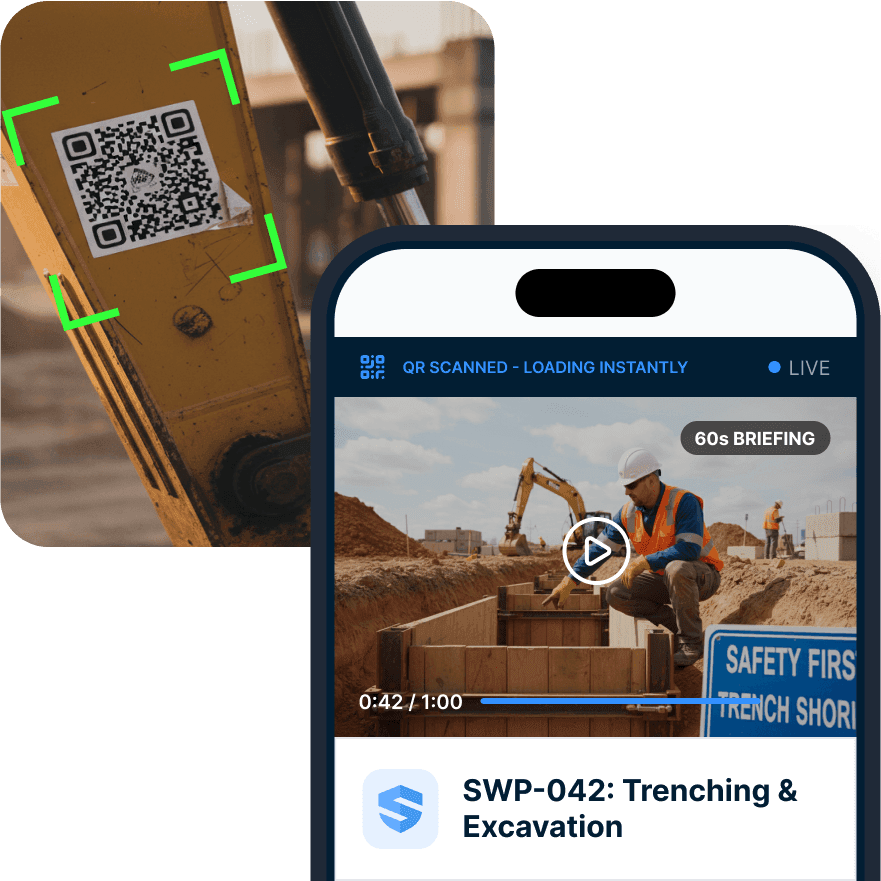



Remove the first barrier to participation.
Point the camera. The workflow is already open.
Workers aren't going to navigate a five-screen app menu to find a procedure - they're going to skip it. But QR codes are the low-friction entry point. One scan can open the right orientation, procedure, equipment check, SDS answer, toolbox talk, form, or corrective action workflow.
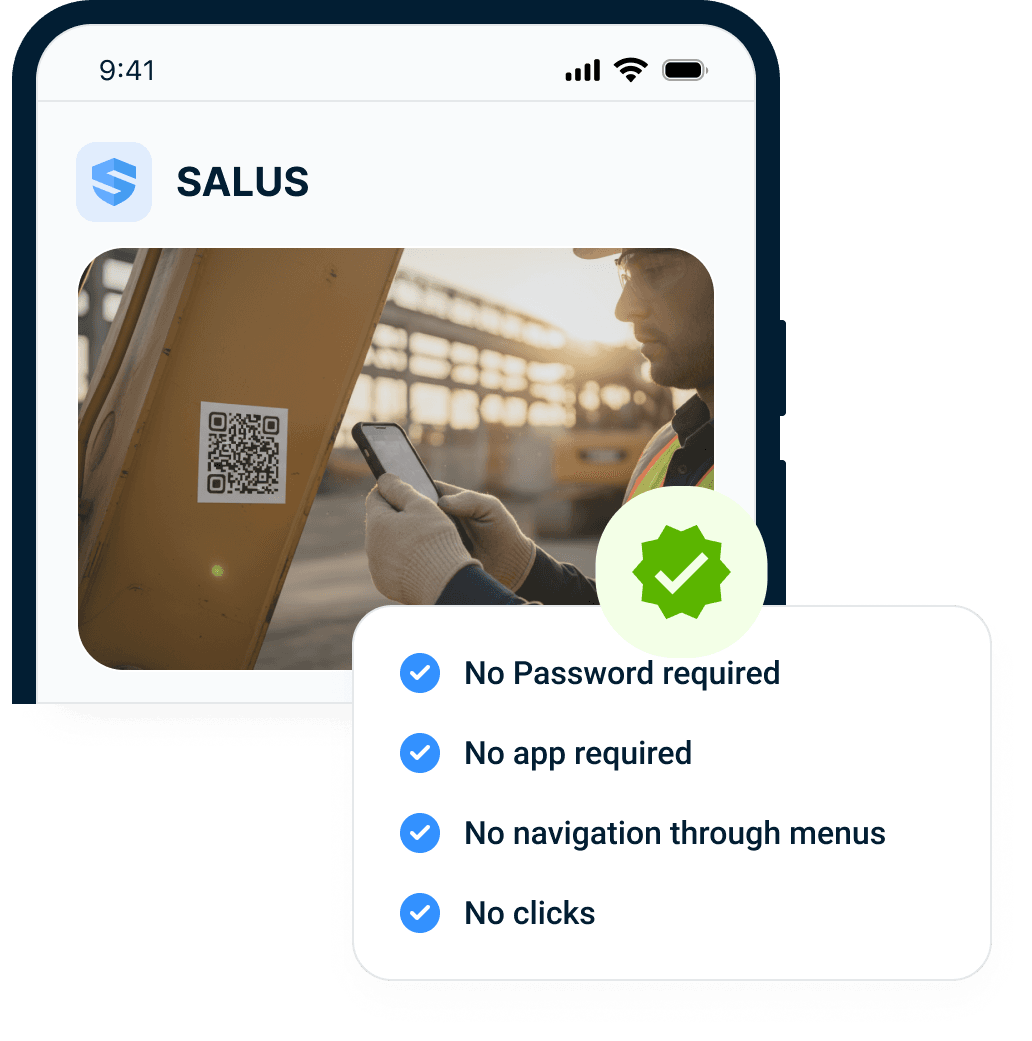
No app
Reduce login and download friction.
Context
Open the workflow for the place or asset.
Record
Attach the scan to the safety record.
Participation starts with one scan.
Context-aware QR codes.
In SALUS, a QR code at the gate, on a machine, in a zone, or on a poster can open a different workflow based on the jobsite, asset, task, language, credential, or worker profile.
Scan is simple. Context is powerful.
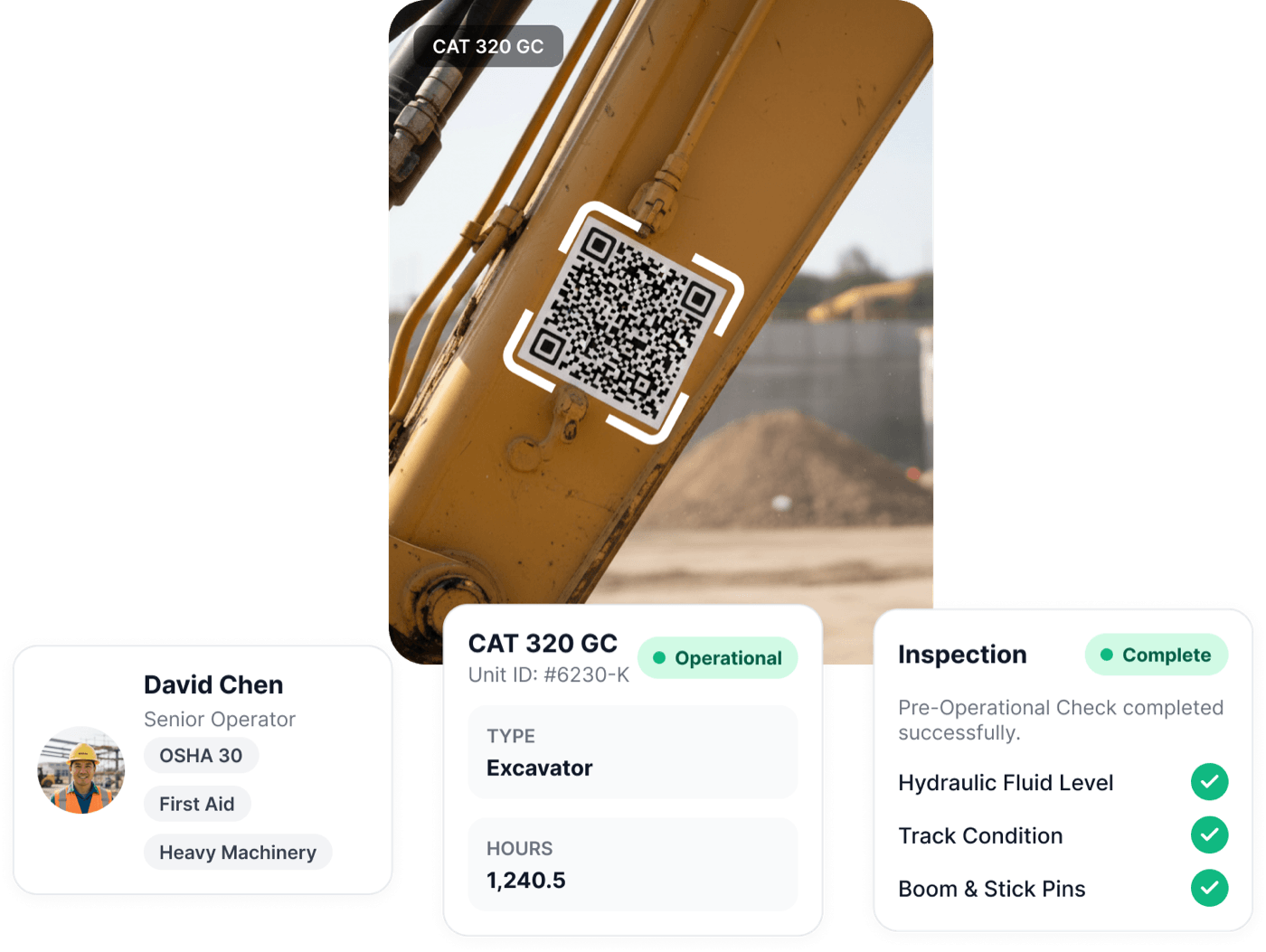
Every scan becomes part of the record.
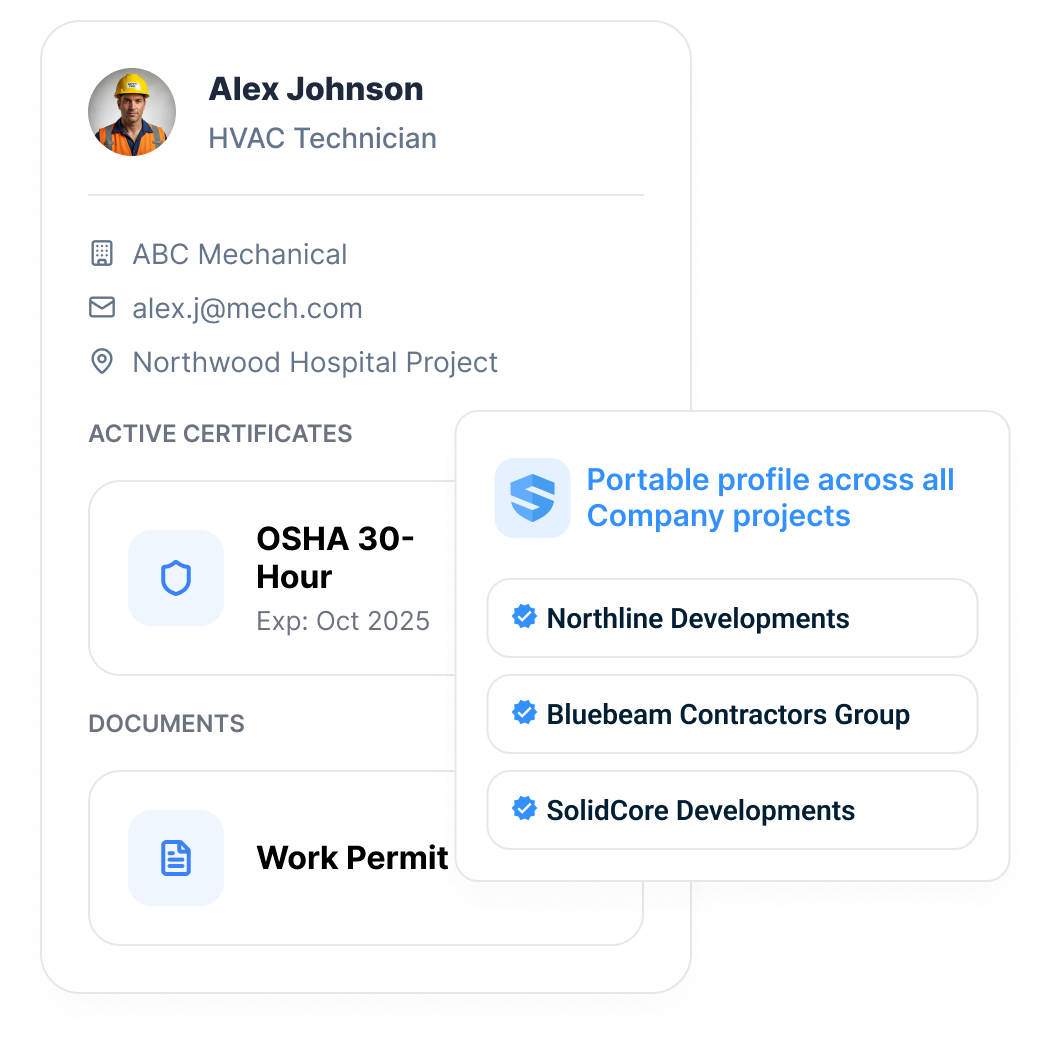
The profile travels with the scan.
One scan connects to the worker's portable profile. The worker is verified in seconds instead of re-onboarded for an afternoon.
New site, new gate. Same scan, same worker.
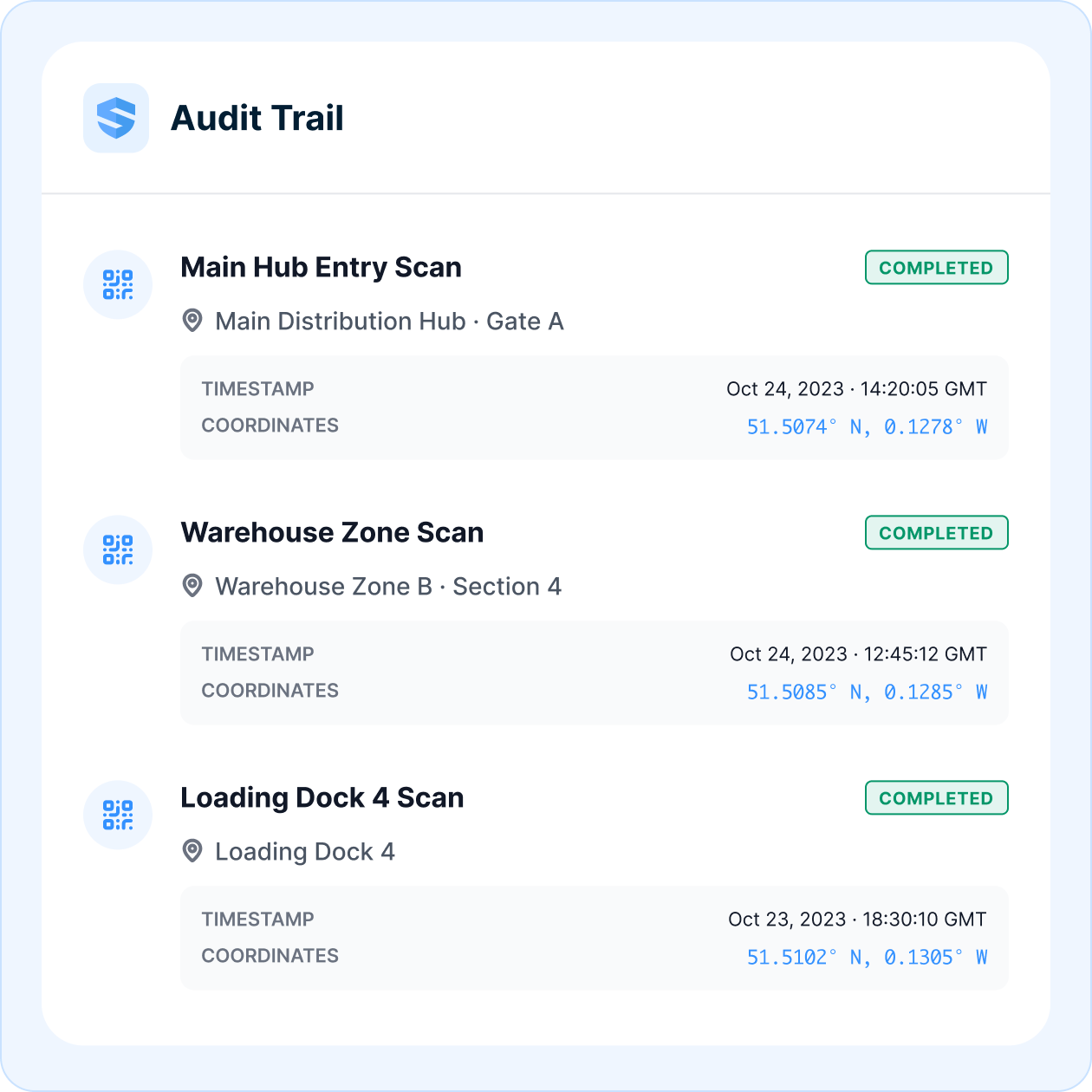
One scan in the field. One row in the audit trail.
Every scan is a timestamped, GPS-tagged, worker-identified event: who opened what, where they stood, when it happened, and which workflow followed. Gate entry, zone scan, dock check — each lands in the record the moment it happens. Nobody writes it down, because nobody has to: the audit trail is a byproduct of the work, not a second job after it.
Scanned. Stamped. Stored. Provable.
The office deploys the codes - and watches adoption increase.
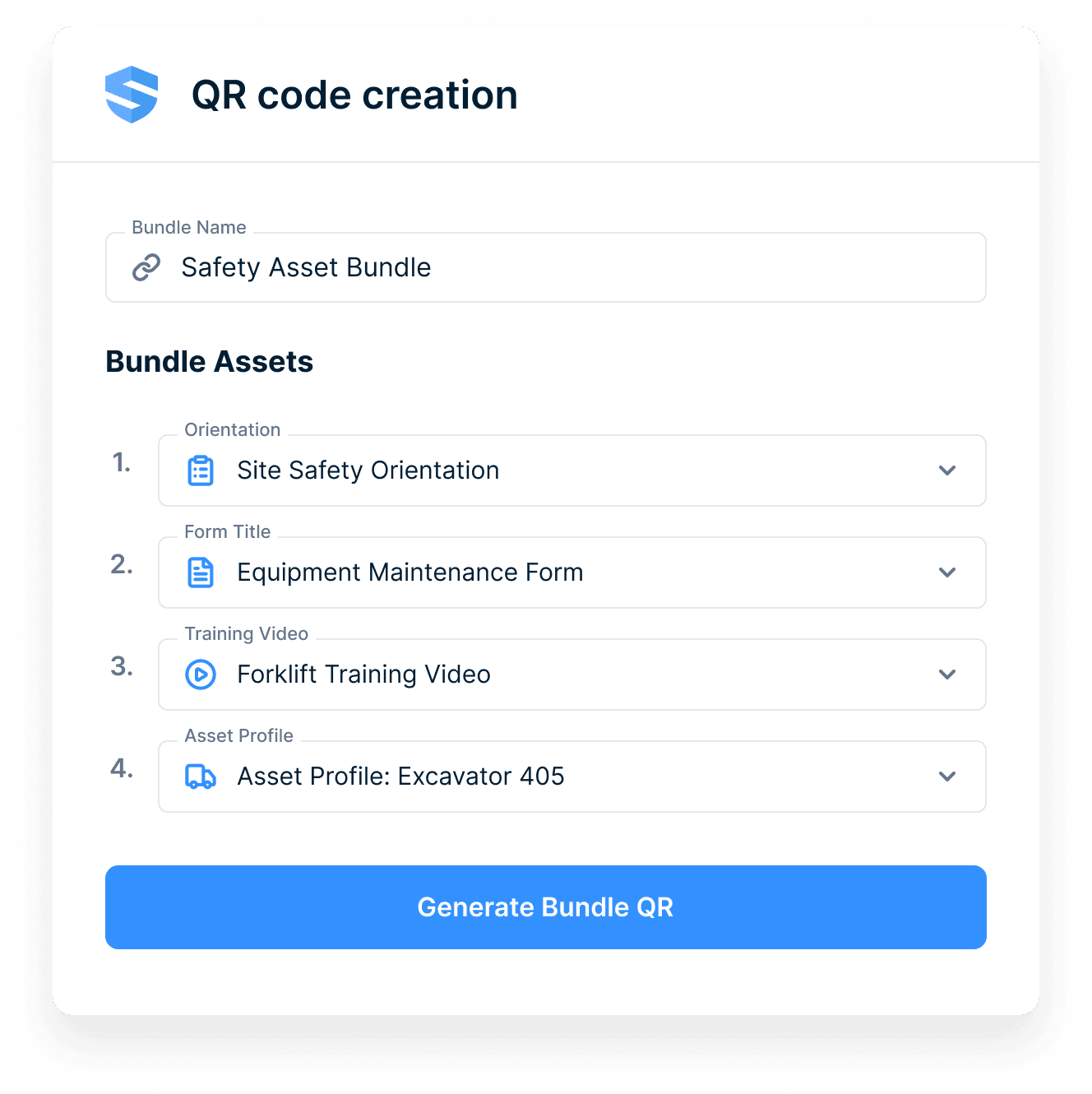
One QR code. A whole workflow behind it.
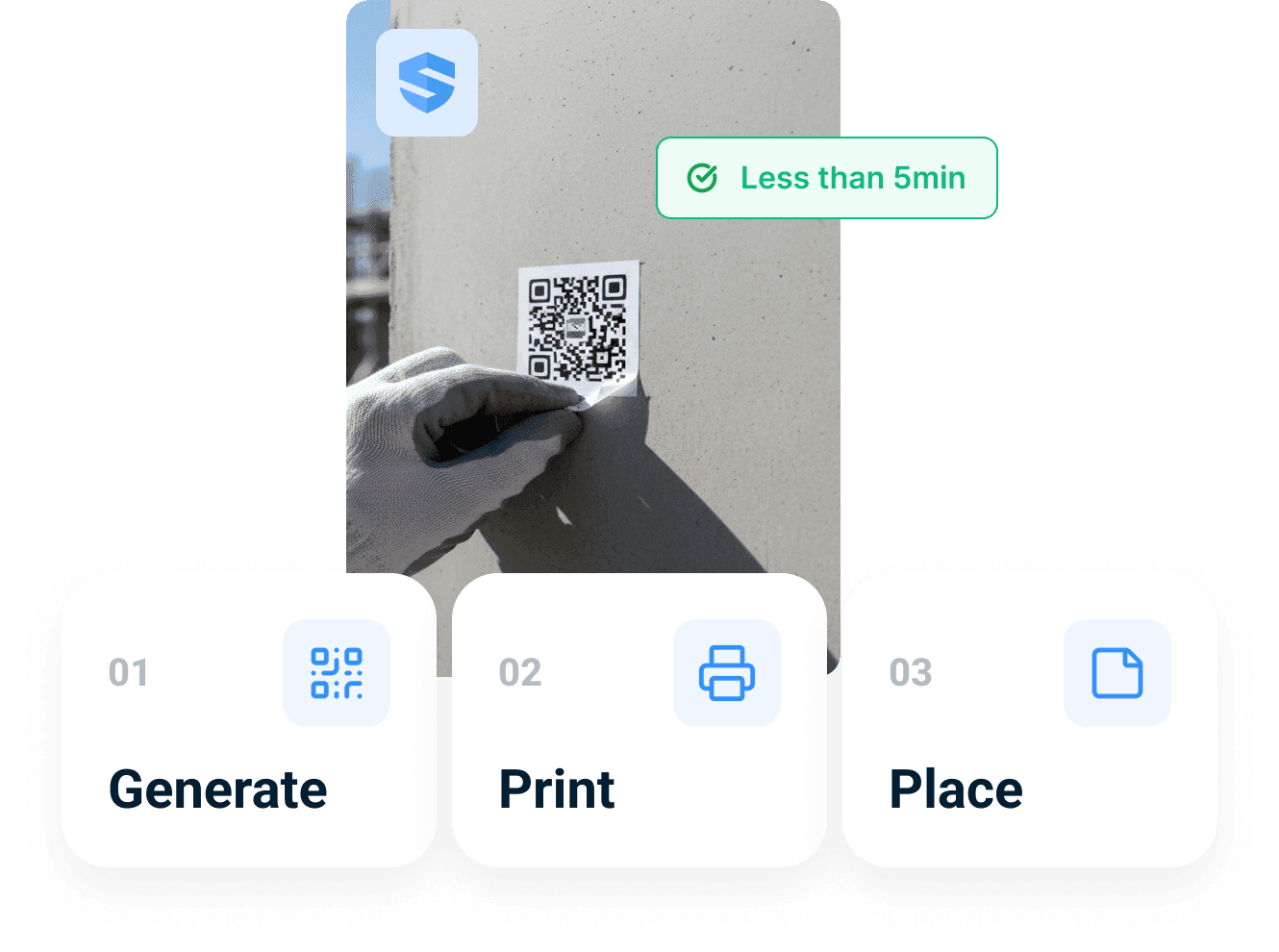
Behind every code is a bundle the office controls: open a form, play a briefing video, surface an asset profile, run a sign-in — stacked in the order the job needs. Build it in seconds, then deploy it yourself: generate, print, place. Under five minutes per code, no hardware, no IT ticket. When the workflow changes, update the bundle — the printed code never moves.
Form
Pre-targeted to the site, zone, or asset it hangs on.
Briefing video
A 60-second briefing plays before the form opens.
Asset profile
The machine's full record, one tap deep.
Sign-in
Attendance at the meeting board — see Toolbox Talks.
Bundled in seconds. Placed in minutes.
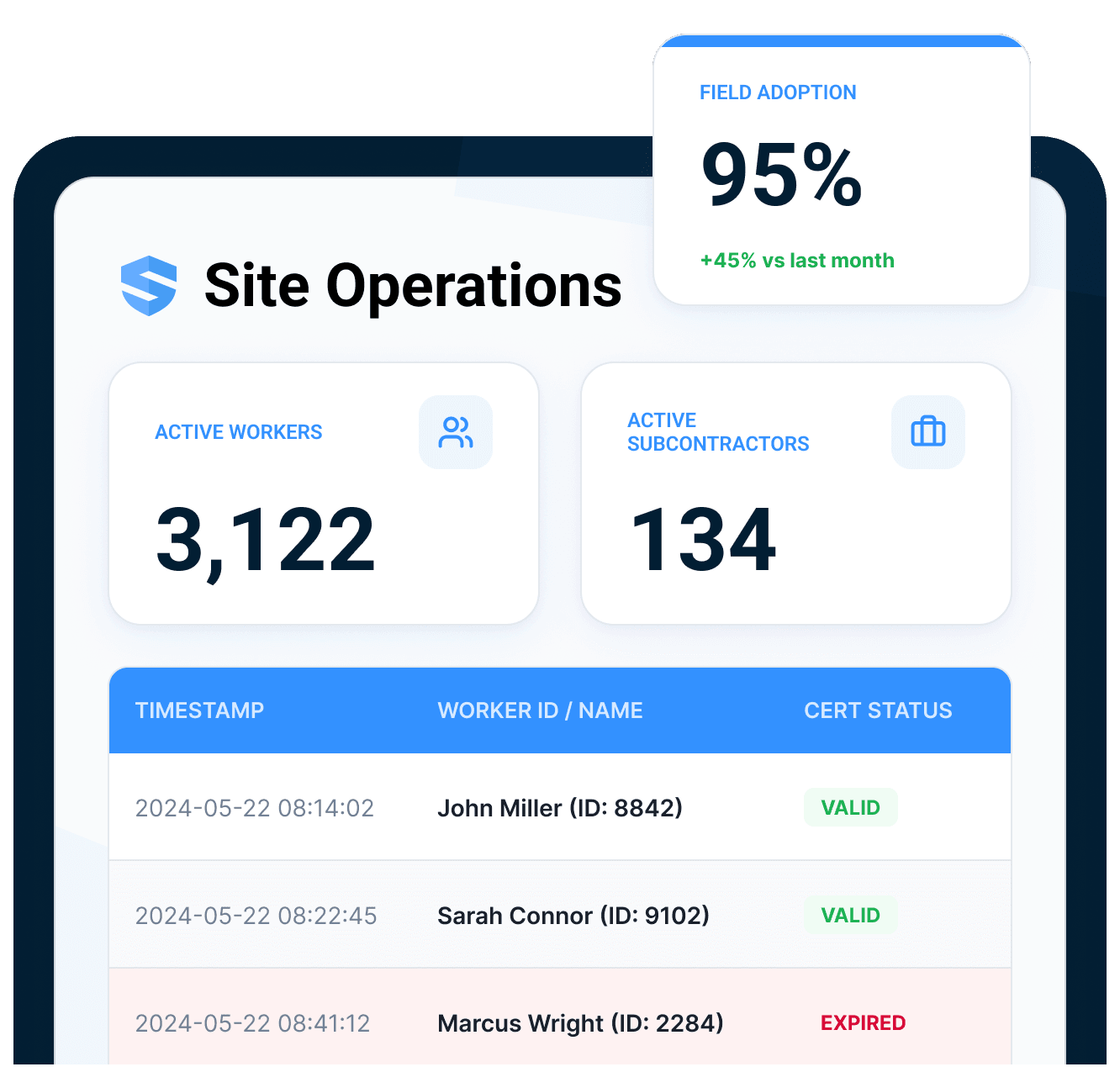
Scanning creates adoption.
Adoption creates visibility.
When the entry point is one scan, participation stops depending on reminders and starts showing up as live data. Each scan is contextualized by worker, site, asset, task, GPS, timestamp, credential status, language, and workflow, so the office sees adoption as it happens and can trace every signal back to the source.
Every live signal traces back to the source scan.
More participation with less training.
The most expensive minutes on a jobsite are the ones nobody bills: walking to the trailer, hunting for the binder, asking the foreman where the procedure is. When information is hard to reach, workers wing it - and the office can't prove anything either way. A scan-first platform flips both: participation climbs because the cost of taking part collapses, and proof accumulates because every scan records itself.
Reclaim the search time
5.5 hours per worker per week goes to hunting for project data. One scan ends the hunt.
Kill the 'wing it' decision
When the procedure is one scan away instead of a trailer walk away, workers actually consult it.
Make proof automatic
The audit trail is a byproduct of the field workflow, not a separate documentation process.
What a jobsite QR code should have behind it.
QR codes everywhere
Equipment, site gates, zones, individual floors — the code lives where the work is.
No app, no password
The phone camera is the whole install. Access in one scan.
Context-aware workflows
The same scan opens the right workflow for that site, asset, and task.
Automatic translation
Rosie renders the workflow in the worker's preferred language — 21+ languages.
Portable worker profiles
Certificates, training, and documents travel with the worker, site to site.
GPS + timestamp audit trail
Every scan is a worker-identified, geo-tagged data event.
From scan to workflow.
QR codes are strongest when the workflow behind the scan is already connected.
Take the workflow into the field.
Go deeper into the operating mechanism behind this feature while staying in the correct regional context.
QR code, jobsite QR codes, scan workflow, participation, and audit trail FAQ
What are QR codes used for on construction sites?
Do workers need to download an app or create a password?
How can the same QR code open different workflows?
Can QR codes track who is on a jobsite?
Are QR codes secure enough for jobsite use?
What happens if a worker's certification is expired?
What languages does SALUS support?
Does it work for subcontractors who move between sites?
How long does setup take?
How is SALUS different from a generic QR code generator?
What should we bring to a QR code demo?
Can QR codes support equipment tracking?
Show us one field workflow.
We will show what the scan should open.
Map the QR entry point, worker profile, context, language, and audit trail for one workflow.
Bring the current workflow. We will map the live version from field action to proof.