

Micro-training that shows up before the risk does.
SALUS attaches training to the jobsite workflow itself. Workers get short, targeted modules before they sign the form, start the permit, operate the equipment, or enter the site - in their own language, with comprehension checks that prove understanding, not just attendance.
Detect the gap. Deliver the module. Enforce completion before the workflow proceeds.
It's really an education tool to make sure that what our employees are seeing is what we want them to know about.
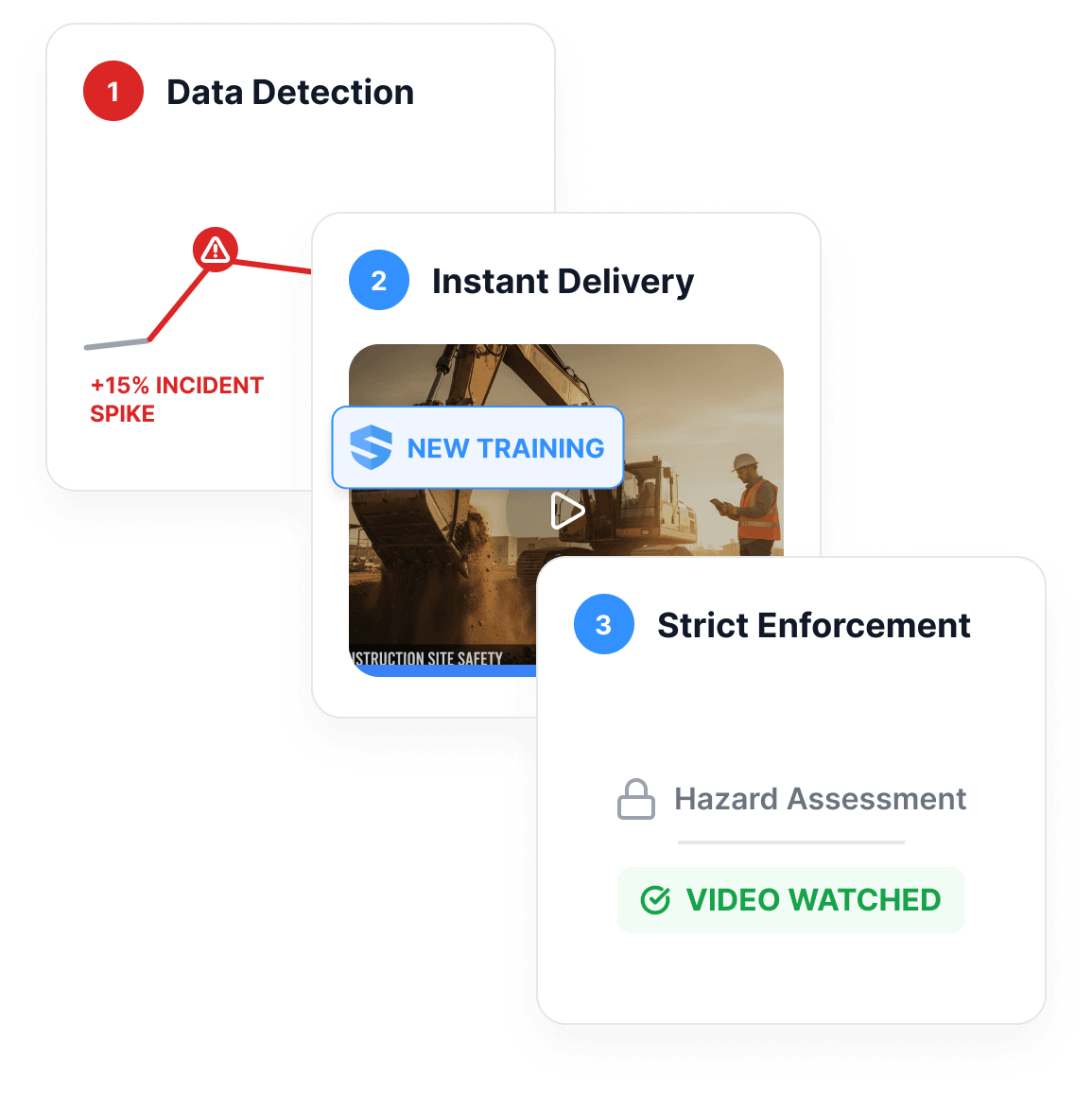



Training should be attached to the work.
The best time to learn excavation safety is before excavation starts.
Training loses its power when it's disconnected from the task. SALUS prompts the worker with a quick refresher exactly when the work requires it — before a hazard assessment is signed, a permit starts, equipment is operated, or a site-specific workflow opens. The module surfaces inside that workflow, on the device already in the worker's hand — not in a separate LMS nobody logs into.
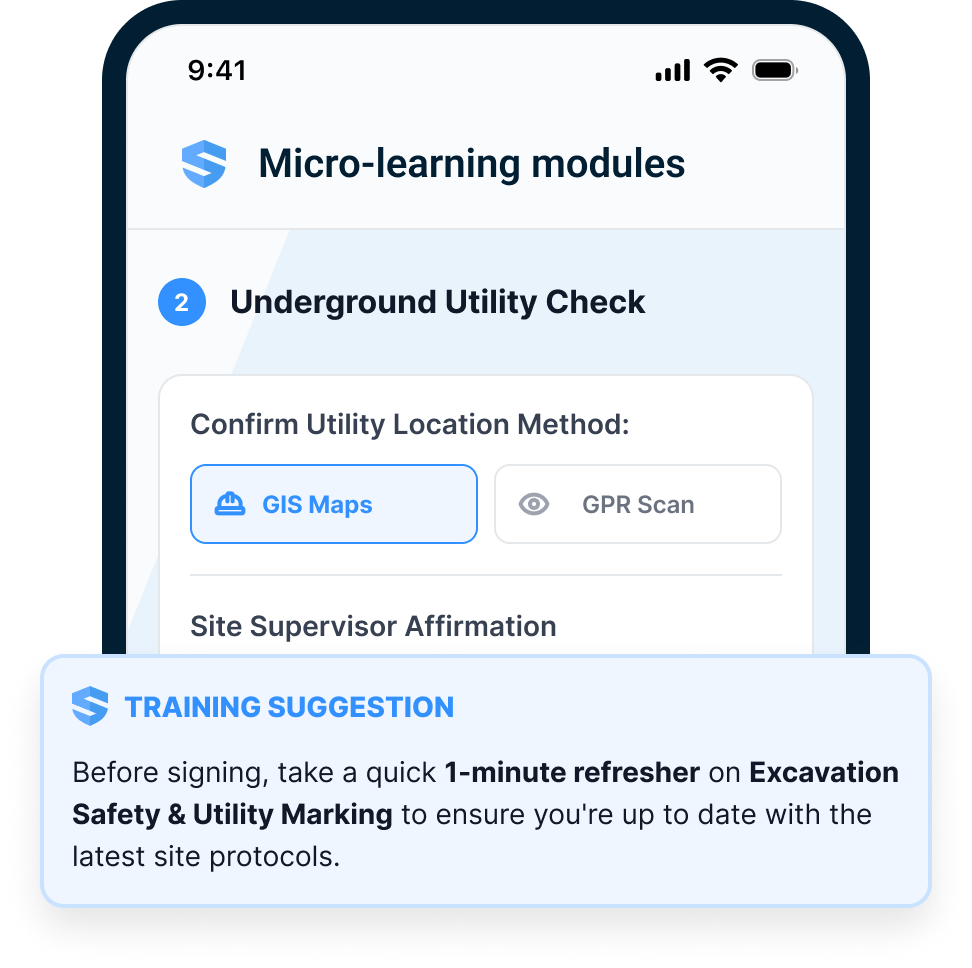
Before the permit
Hot work ahead? The refresher arrives with the permit request.
Before the equipment
Operator training surfaces when the equipment workflow opens.
Before the signature
The module runs before the high-risk form can be signed.
Training meets the risk.
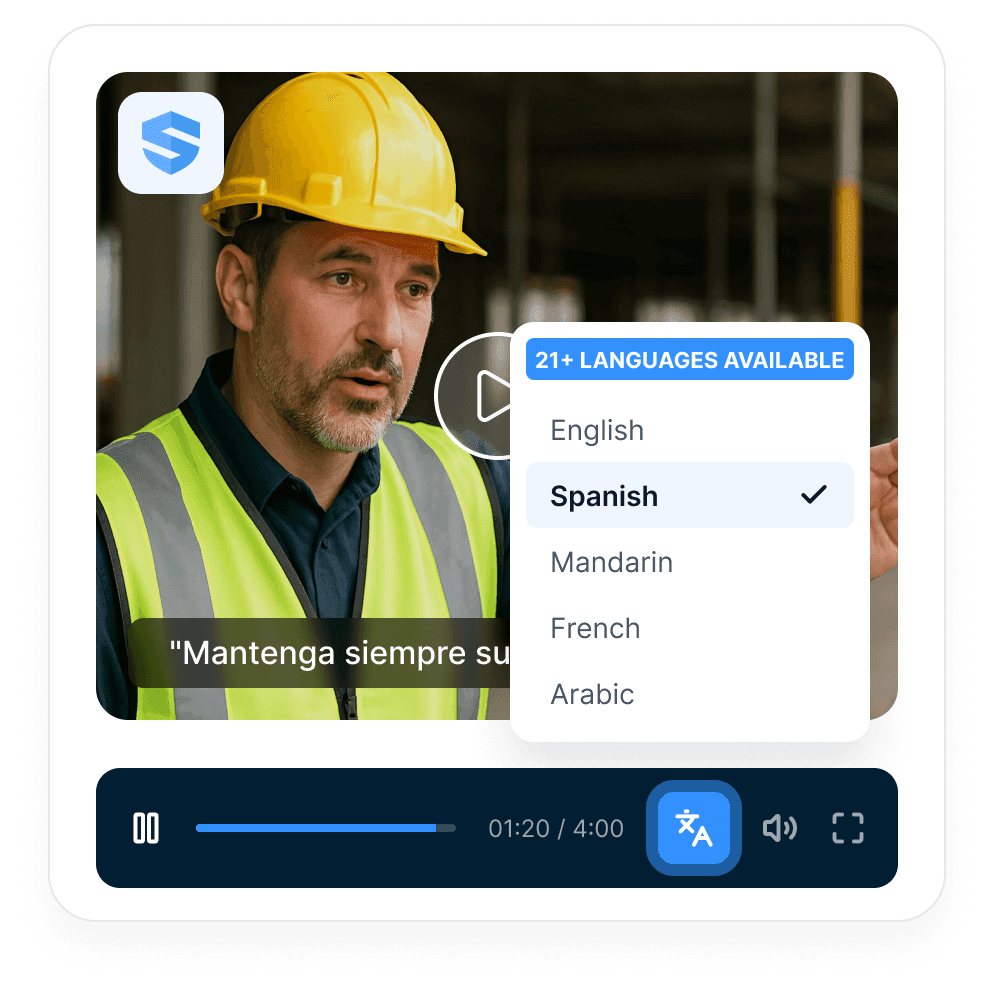
Short enough to finish. Specific enough to matter.
SALUS delivers micro-learning built for the field: short, trade-specific videos in the workers' language, with the duration badge front and centre, a quick comprehension question, and an immediate connection to the next step.
Right-size the lesson.
Training compliance needs comprehension, not just attendance.
A signature should prove understanding.
Comprehension checks and worker-profile updates show who completed the training, what they understood, and where a gap still exists.
The record doesn't say attended. It says understood.
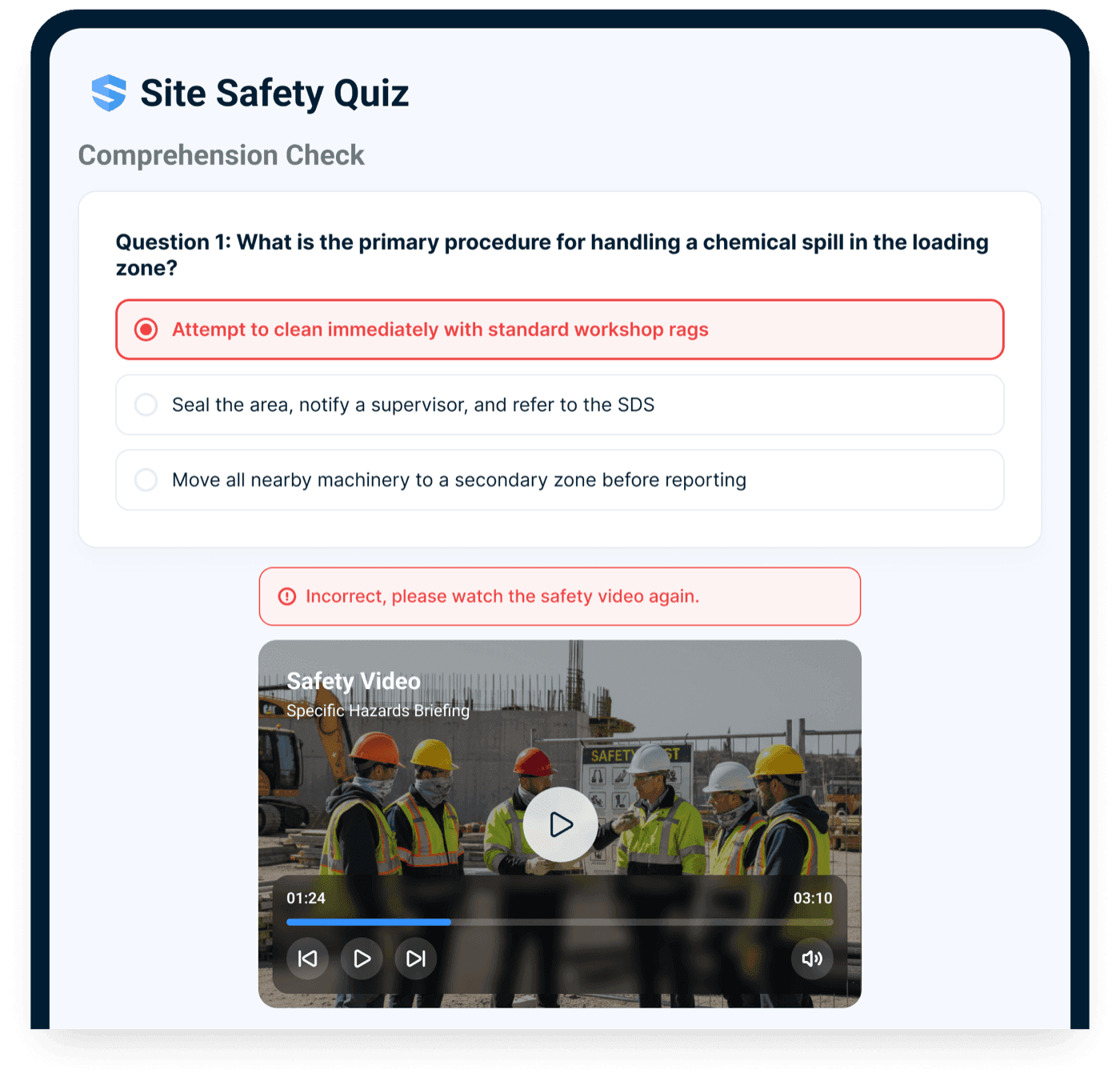
If training is required, SALUS can enforce it.
In SALUS, training connects directly to forms, certificates, orientations, equipment, and permits - and when a required module is incomplete, the next step may stay blocked until it's done and understood.
Not a reminder. A gate.
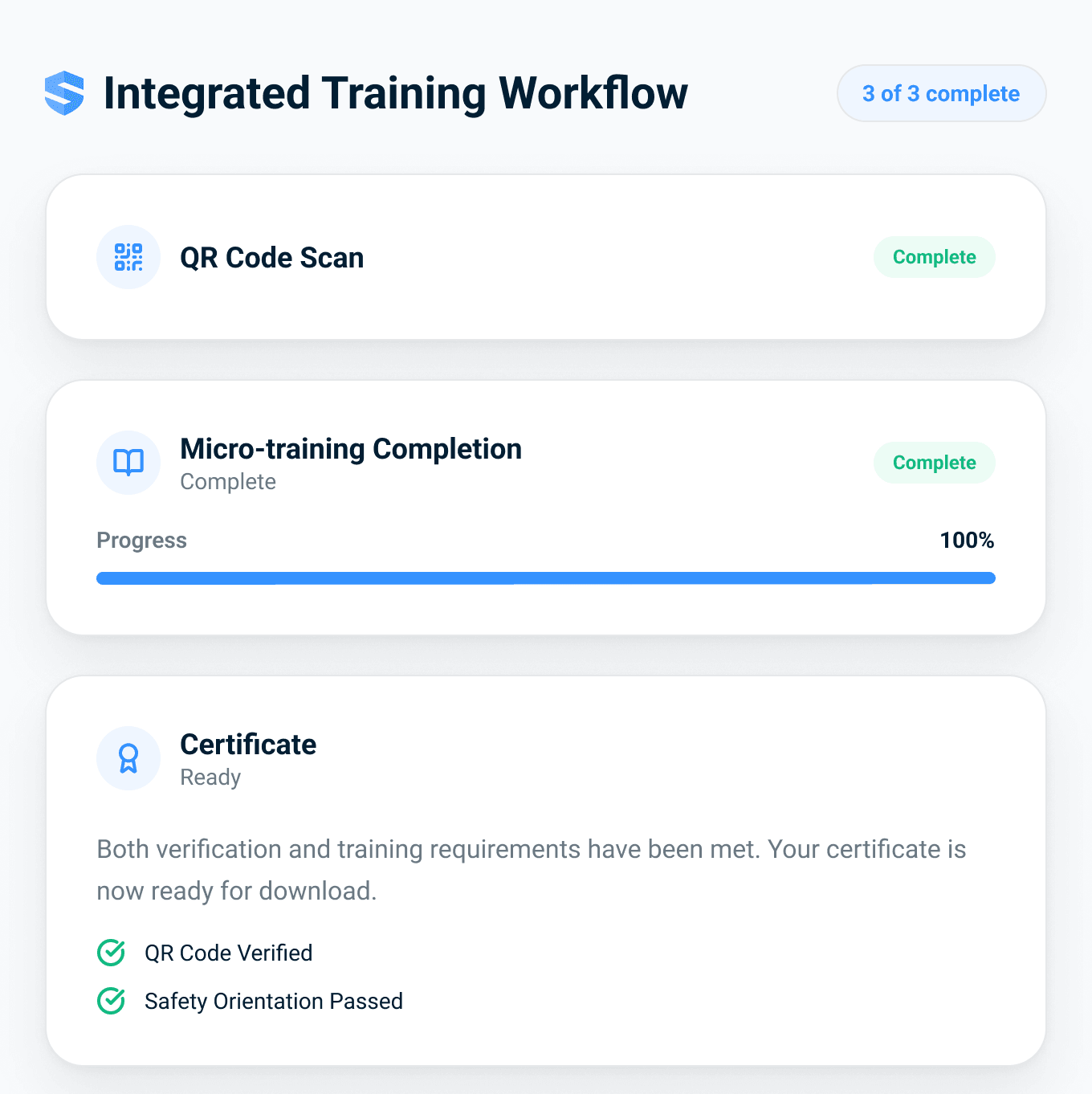
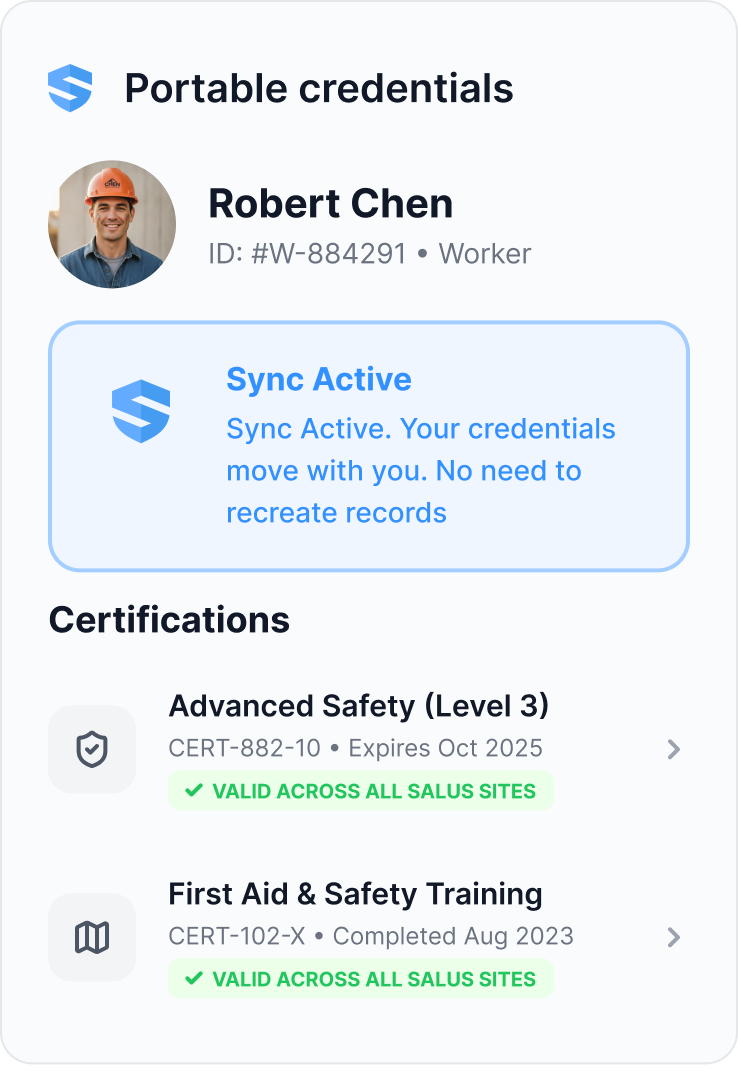
Every module lands on the worker profile.
Every completion writes to the worker profile - score, language, timestamp, and the workflow that required it - beside the certificates, forms, and signatures the office already tracks. And the training record travels with the worker from site to site.
The record follows the worker, not the binder.
Rosie turns training data into risk response.
Know which topics and crews need support.
Rosie sees a spike in hand-injury near misses across two projects - and low comprehension scores on the cut-resistant glove module. She recommends a three-minute refresher for the affected crews and routes it ahead of the next morning's hazard assessment, before another incident lands. She drafts site-specific modules and toolbox talks from current field context, too.
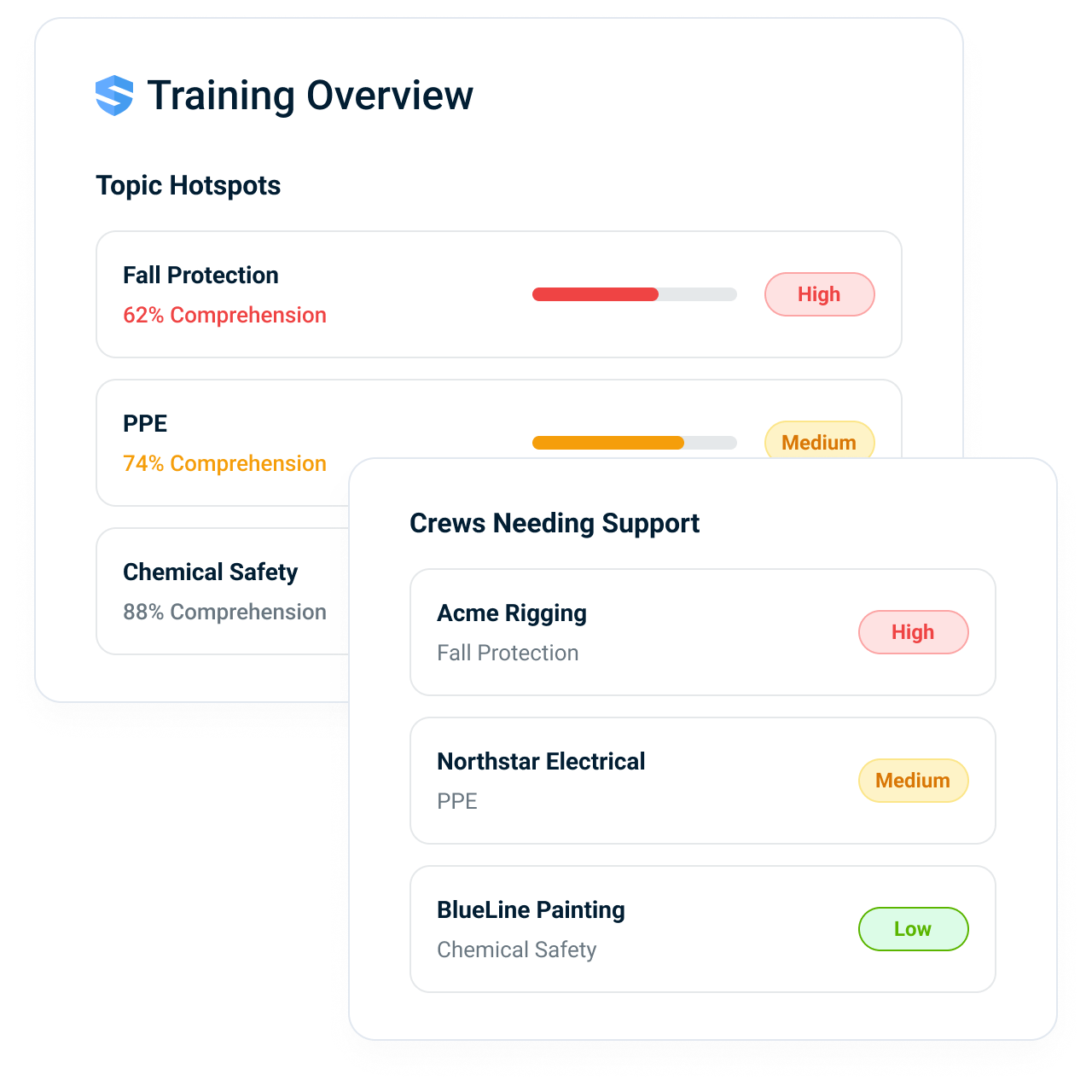
Topic hotspots
The subjects with the lowest comprehension across the workforce.
Crews needing support
The specific subcontractors and crews where comprehension is slipping.
Connected to incidents
Training gaps compared against near misses and corrective actions.
Training stops being a calendar event and becomes a risk response.
Use the LMS where it belongs. Trigger field training where risk appears.
SALUS is not trying to become a generic HR LMS. It gives construction safety teams the workflow-triggered training layer that shows up inside field work.
Training tied to behaviour.
Training becomes a risk response, not a calendar event.
Safety teams can deliver support when risk appears, operations avoids unnecessary classroom downtime, and executives see training tied to field behaviour.
Timing
Three-to-eight-minute modules in the arrival window, not classroom half-days nobody schedules. Modules appear inside permits, forms, equipment, and incidents.
Records
Who, what, when, language, comprehension, and workflow context - filed automatically, audit-ready.
Understanding
Comprehension checks replace blind signatures. Training delivered in the worker's language.
Training compliance, safety training software, micro-training, comprehension, LMS, and worker profile.
Workflow-triggered modules
Launch training from the workflow that needs it.
Micro-training
Short modules built for field completion.
Comprehension checks
Verify understanding, not just attendance.
Multilingual training
Support 21+ languages.
Offline access
Keep training available without signal.
Worker profile updates
Store completion and readiness history.
Where training belongs in the safety workflow.
Go deeper from training to readiness.
Training matters when it changes whether the worker is ready for the task.
Training compliance, safety training software, micro-training, LMS, and worker profile FAQ
What is training compliance software for construction?
How is SALUS different from a construction LMS?
What is workflow-triggered safety training?
Can SALUS require training before a worker signs a form or starts a permit?
How do comprehension checks prove understanding?
Can workers complete training in French, Spanish, or other languages?
Does SALUS training work offline?
Does training update the worker profile?
Can Rosie recommend refresher training from field data?
What construction training does your provincial OHS regulator require?
What should we bring to a training demo?
Bring one training topic.
We will show where it should appear.
Map the topic to the permit, equipment check, orientation, incident, or form that should trigger it.
Bring the current workflow. We will map the live version from field action to proof.