

The FLHA app your crews complete before the shift starts.
Speak it, snap it, sign it, submit it. Rosie, the AI Admin & Risk Assistant, turns messy field input into rich data connected to the worker, jobsite, equipment, training, certs, and dashboards behind the work - including FLHA, JSA, and PTP workflows for provincial and owner-driven work.
- 97% · Field completion rateCrews finish forms because Rosie makes it faster than skipping them.
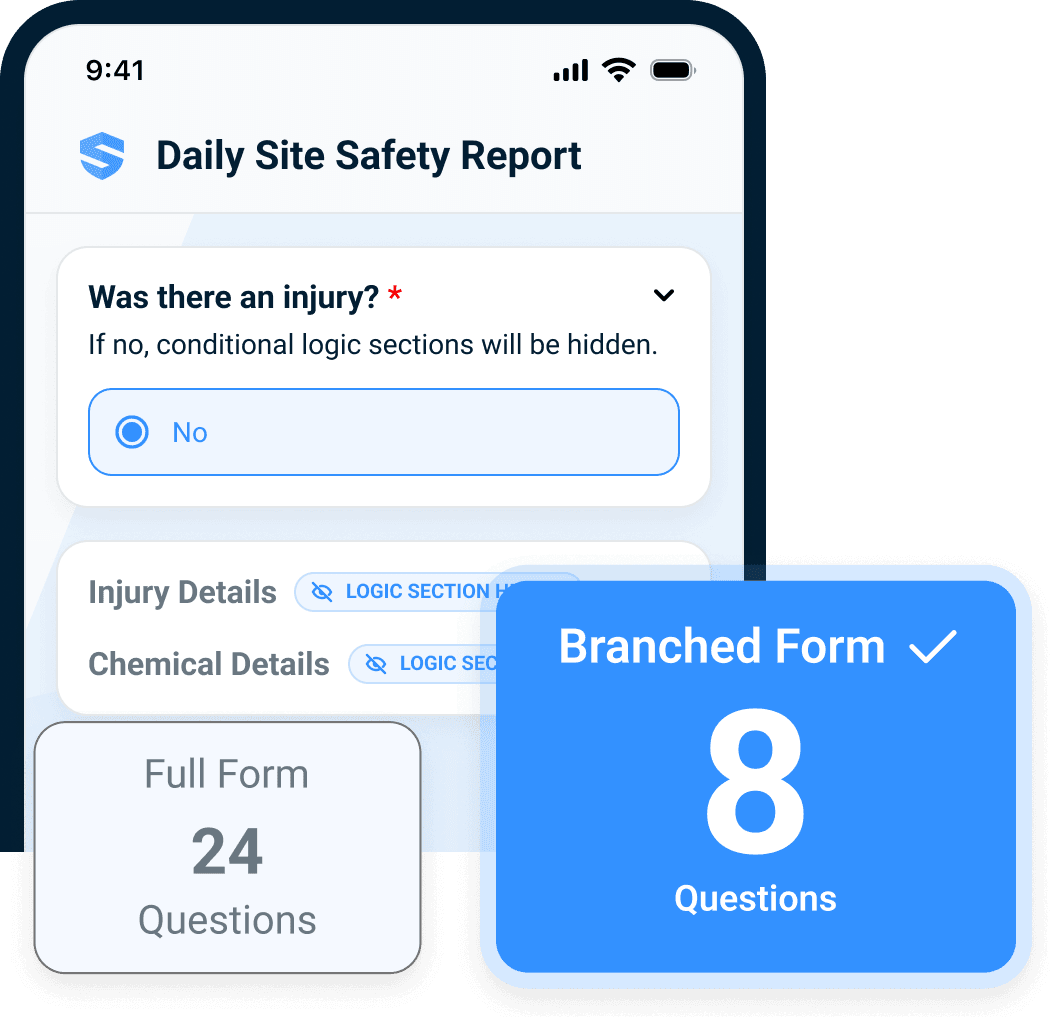
- 60–70% · Fewer questions asked per formSmart branching and auto-populated context cut the back-and-forth between field and office.
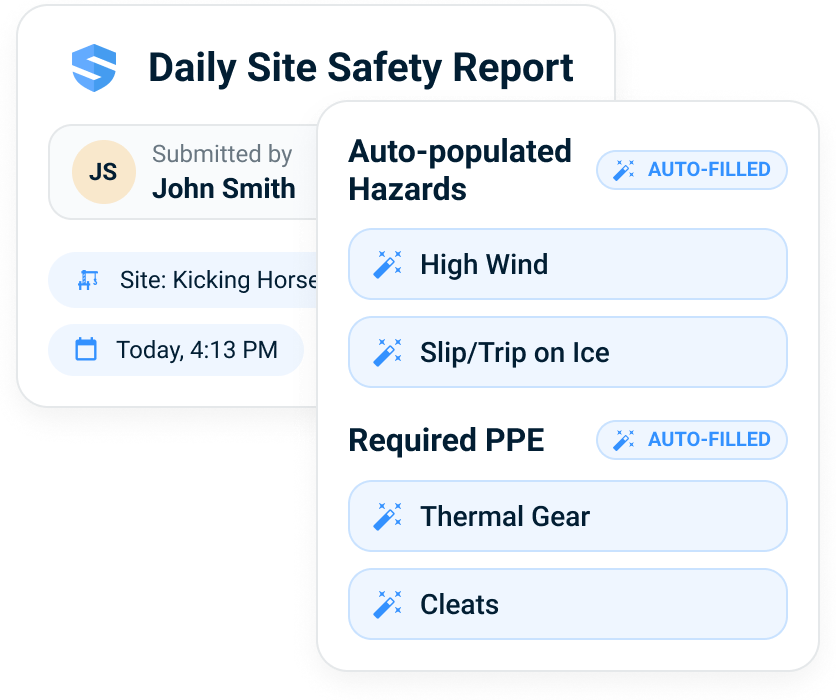
Weather, location, equipment, worker credentials, and site context flow into the form before the foreman starts typing.
We were looking for a platform that was going to do multiple things — not only house our documents but allow us to live-edit them when codes and laws change.



The form starts with the field, not the keyboard.
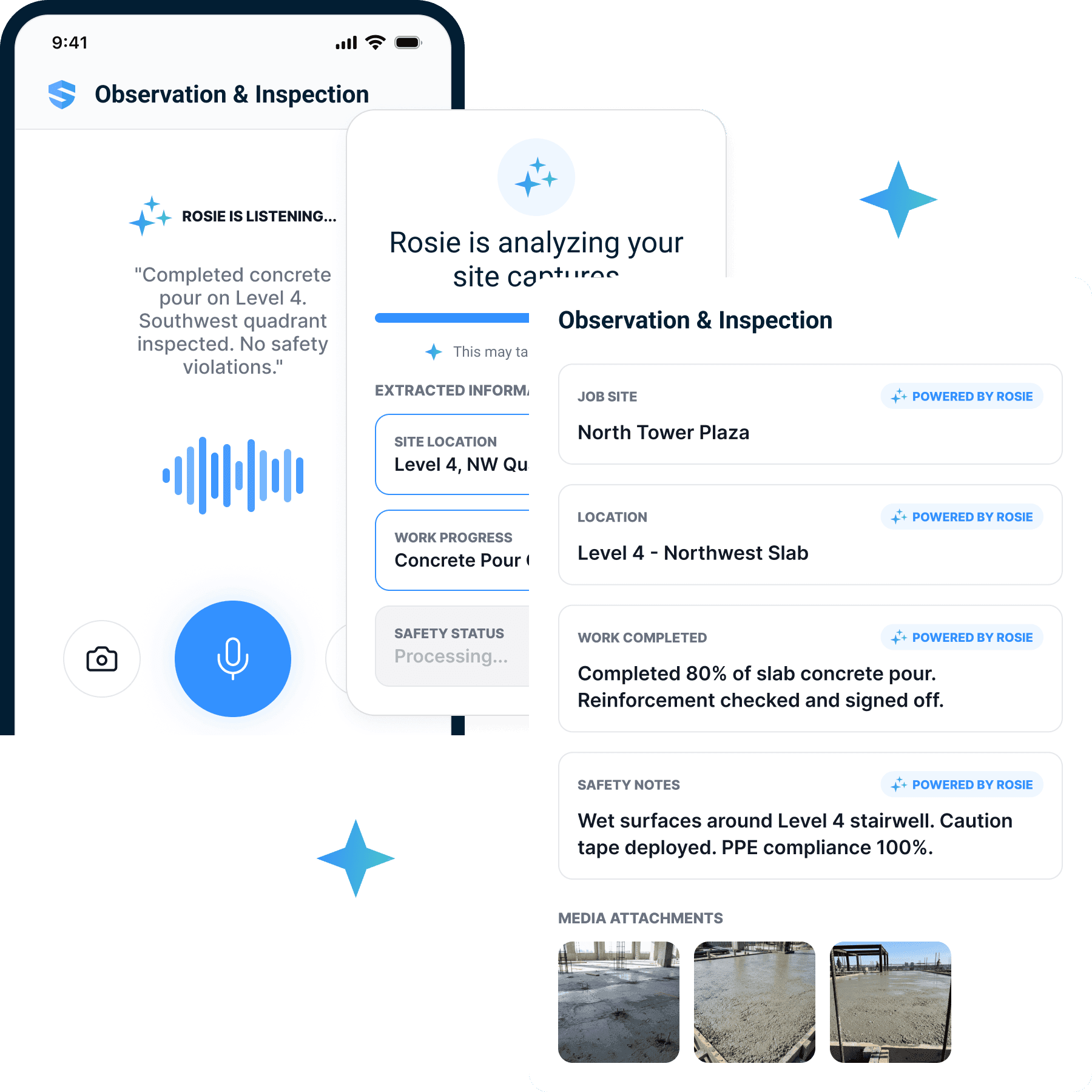
Tell Rosie what happened. She builds the record.
Foremen should be watching the crew, not fighting a screen. So the form starts before anyone types: the foreman describes the work out loud, snaps the condition, or records the walkdown — and Rosie extracts the task, the hazards, the controls, and the crew into the right fields of the right form.
Speak
Voice notes become work summaries and safety notes.
Snap
Photos add evidence and identify site conditions.
Record
Video creates observation details and proof.
Less typing. More usable safety data.
Only ask what applies today.
SALUS branches around the work: the task, the equipment, the weather, the location, and every answer along the way. Injury sections stay hidden when there's no injury. Chemical fields appear only when chemicals are on site. Hazards and required PPE auto-populate from today's conditions — so the eight questions left are the eight that matter.
Less form. More attention. Adoption creates data resolution.
Works where work happens.
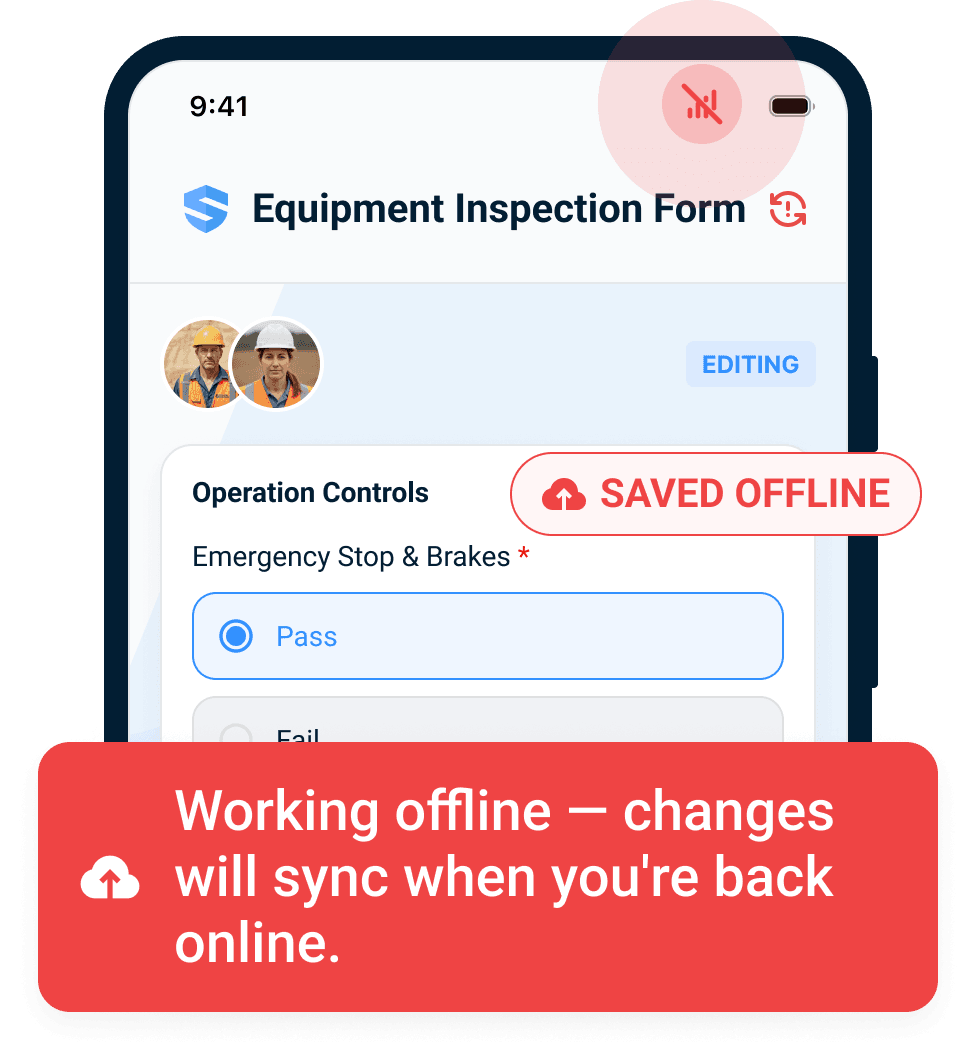
Basements, towers, steel decks, parking structures, job trailers. SALUS auto-saves every keystroke locally and syncs the moment a signal returns — forms, photos, notes, and signatures all survive the dead zone.
Offline by design. The form finishes in the basement.
FLHA, JSA, pre-task plan, and digital forms become one connected safety record.
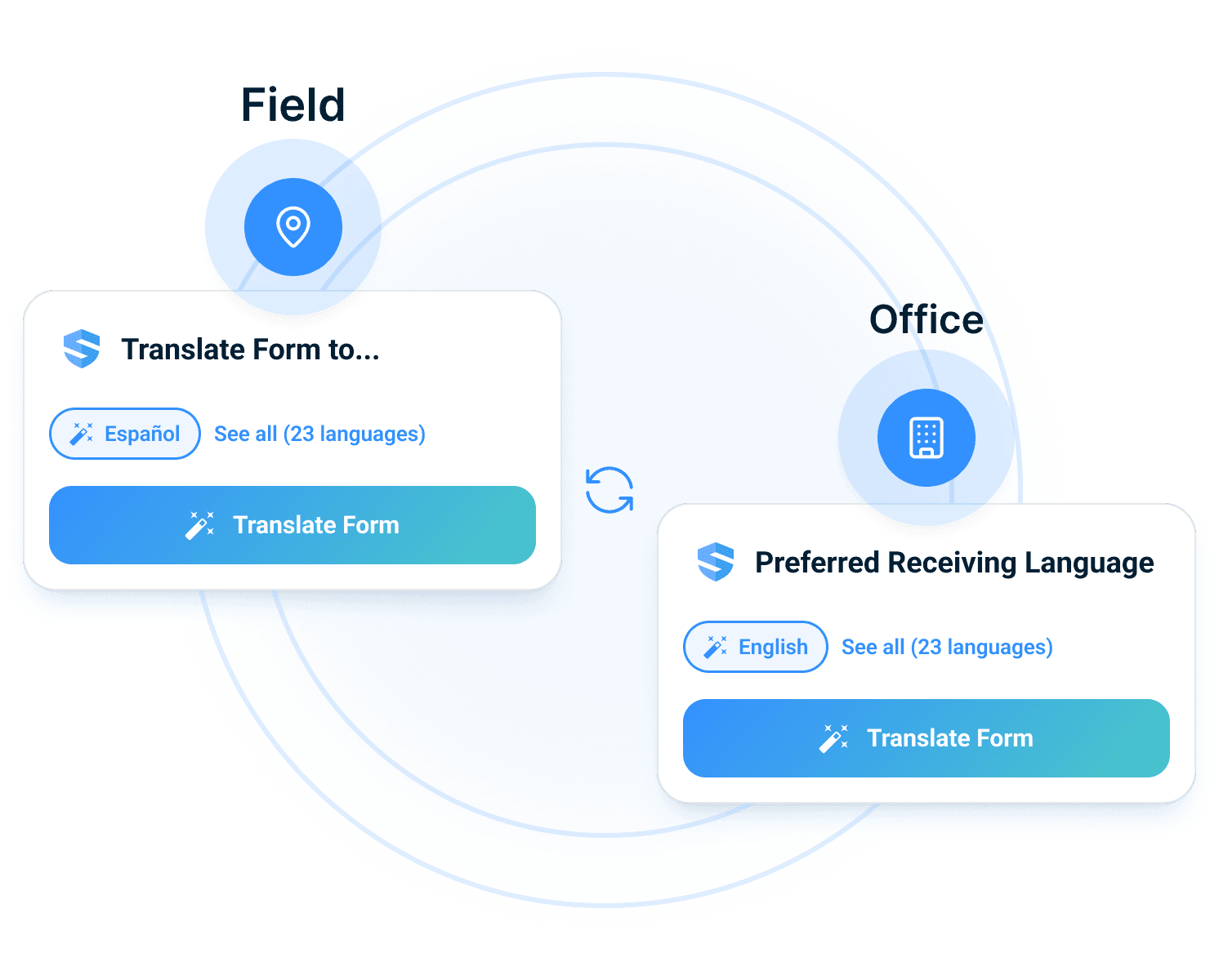
Field language in. Office-ready English out.
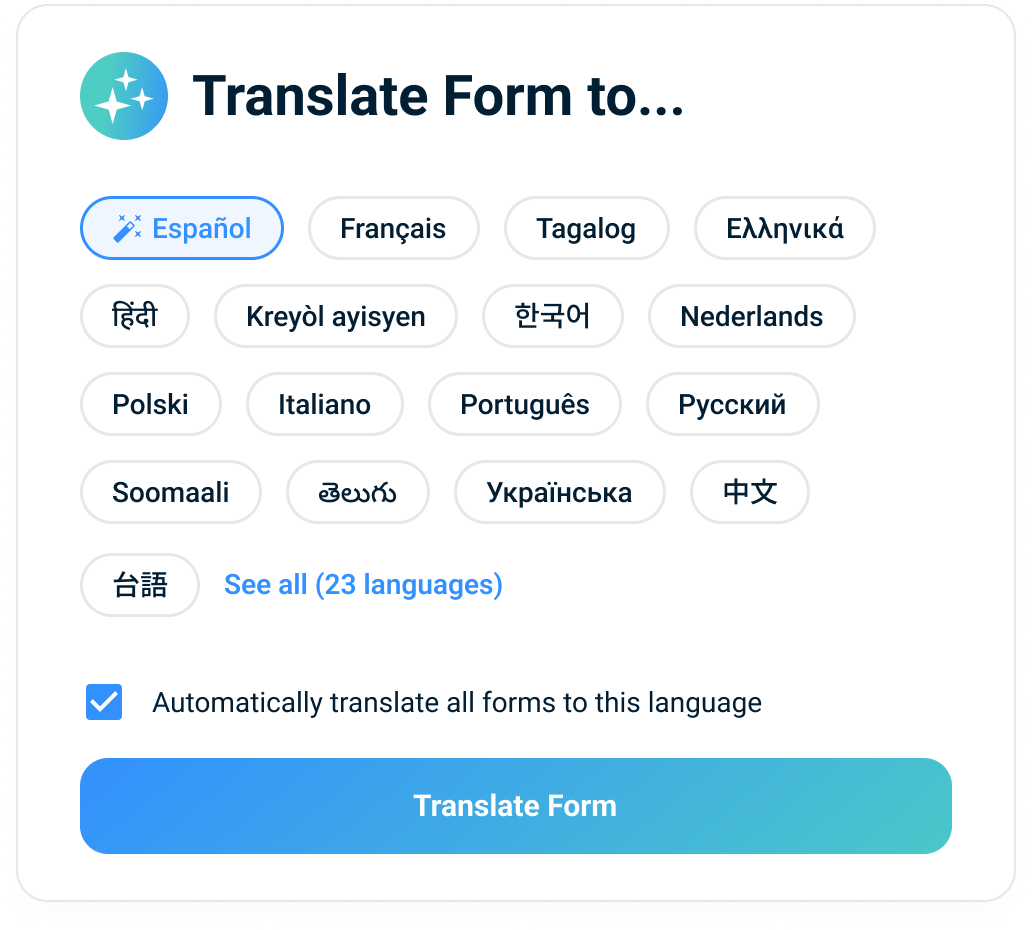
Workers complete the form in the language they actually think in — 21+ of them. The office receives one clean, searchable English record. The crew that understands the hazard is the crew that avoids it.
No language barrier. No comprehension gap.
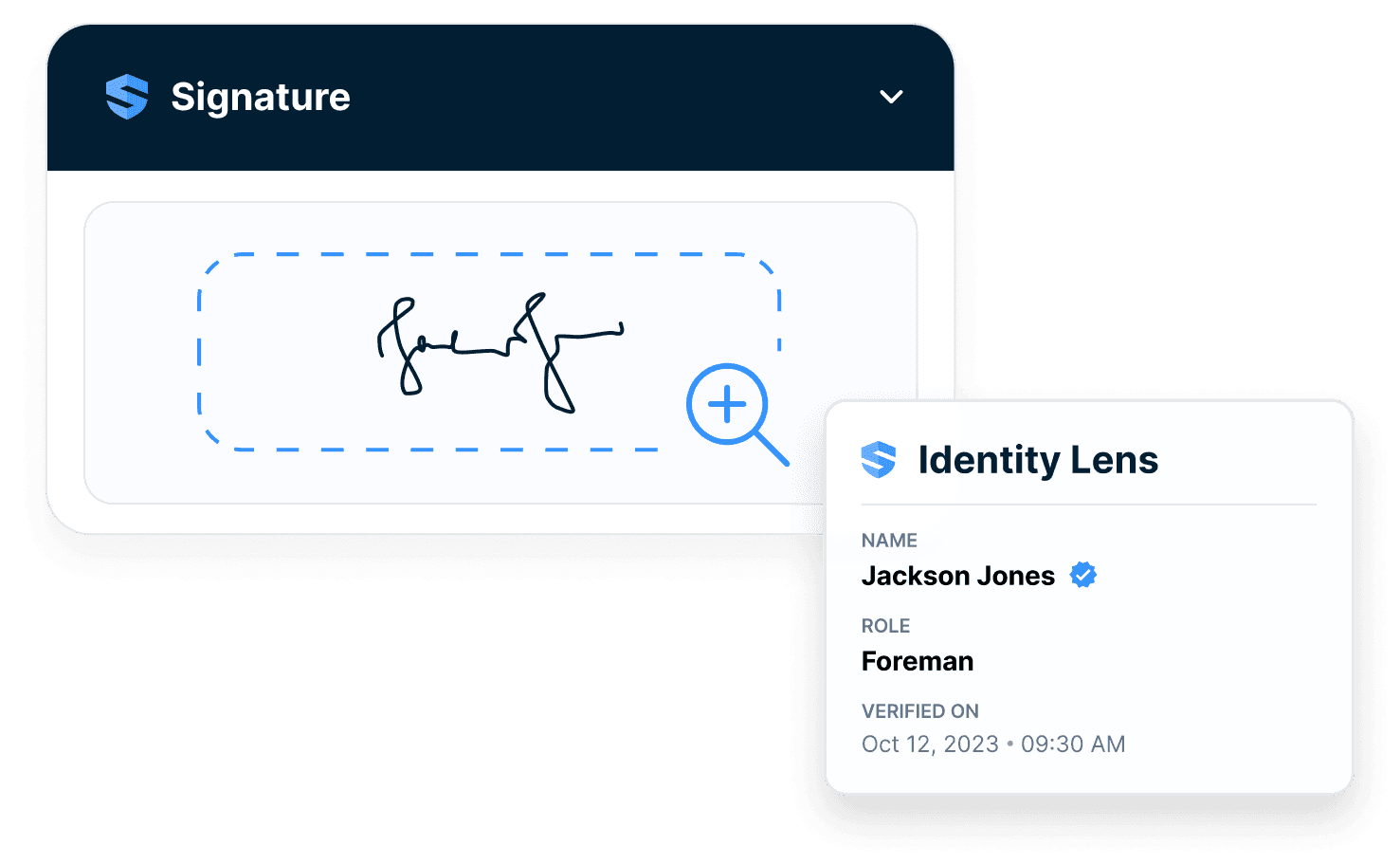
Not just signed. Verified.
For provincial OHS requirements and owner-driven work, SALUS can carry field level hazard assessment (FLHA) language, hazard controls, and audit-ready evidence in the same digital forms layer crews use every day.
FLHA vocabulary, field workflow.
Every form connects to the bigger record.
A signature on paper is ink. A SALUS form answers six audit questions:
- Who signed?
- When did they sign?
- Which version did they sign?
- What certifications did they hold?
- What training was connected?
- Which site, crew, task & equipment did it reference?
The form is not the destination. It's the capture layer for the whole safety program.
The office gets usable data, not a stack of PDFs.
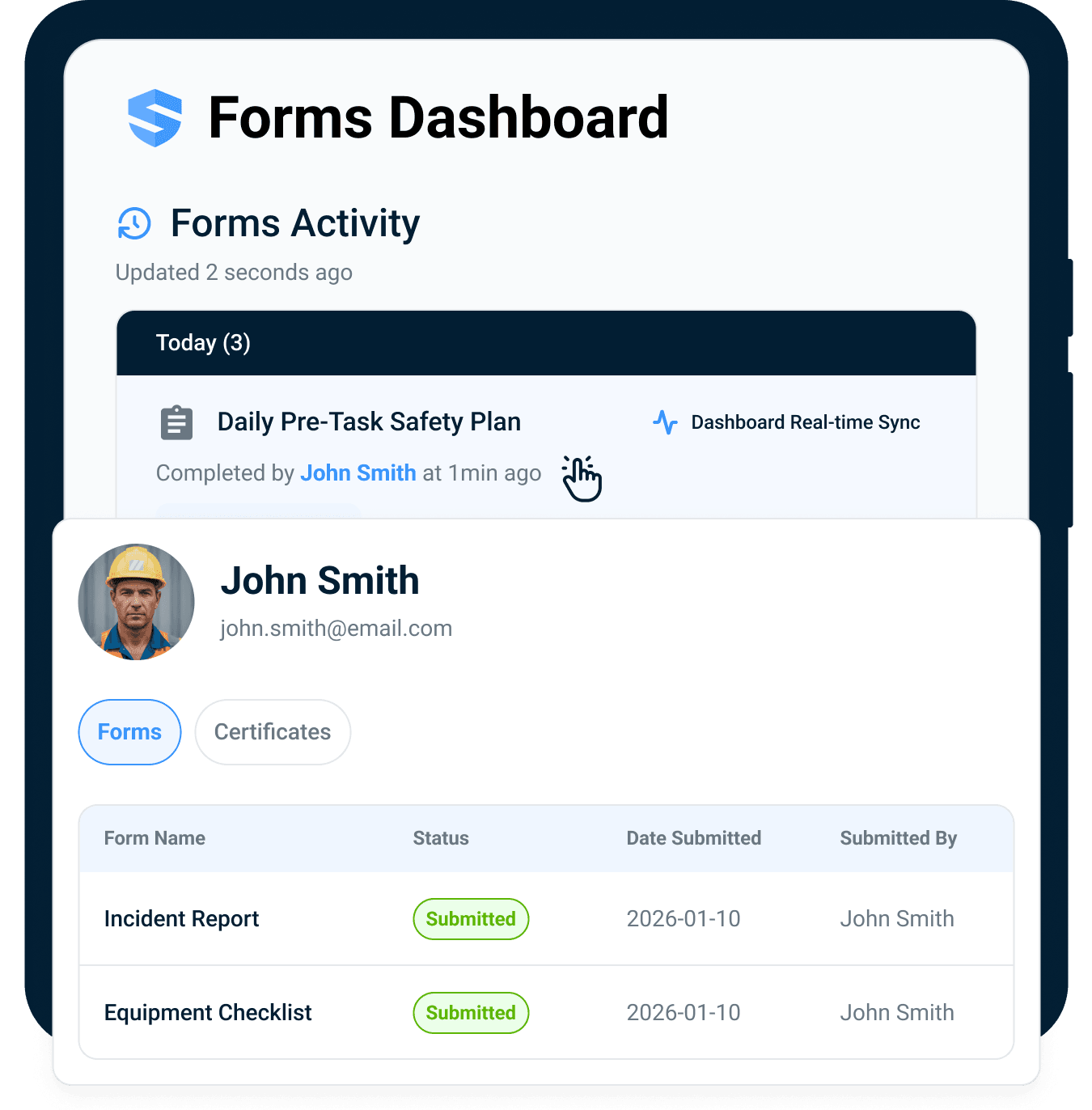
The crew completes the form once. The office gets the dashboard.
Every completed FLHA, pre-task plan, inspection, checklist, and daily log flows straight into worker profiles, certificate status, equipment logs, and live dashboards.
Captured once in the field. Current everywhere else.
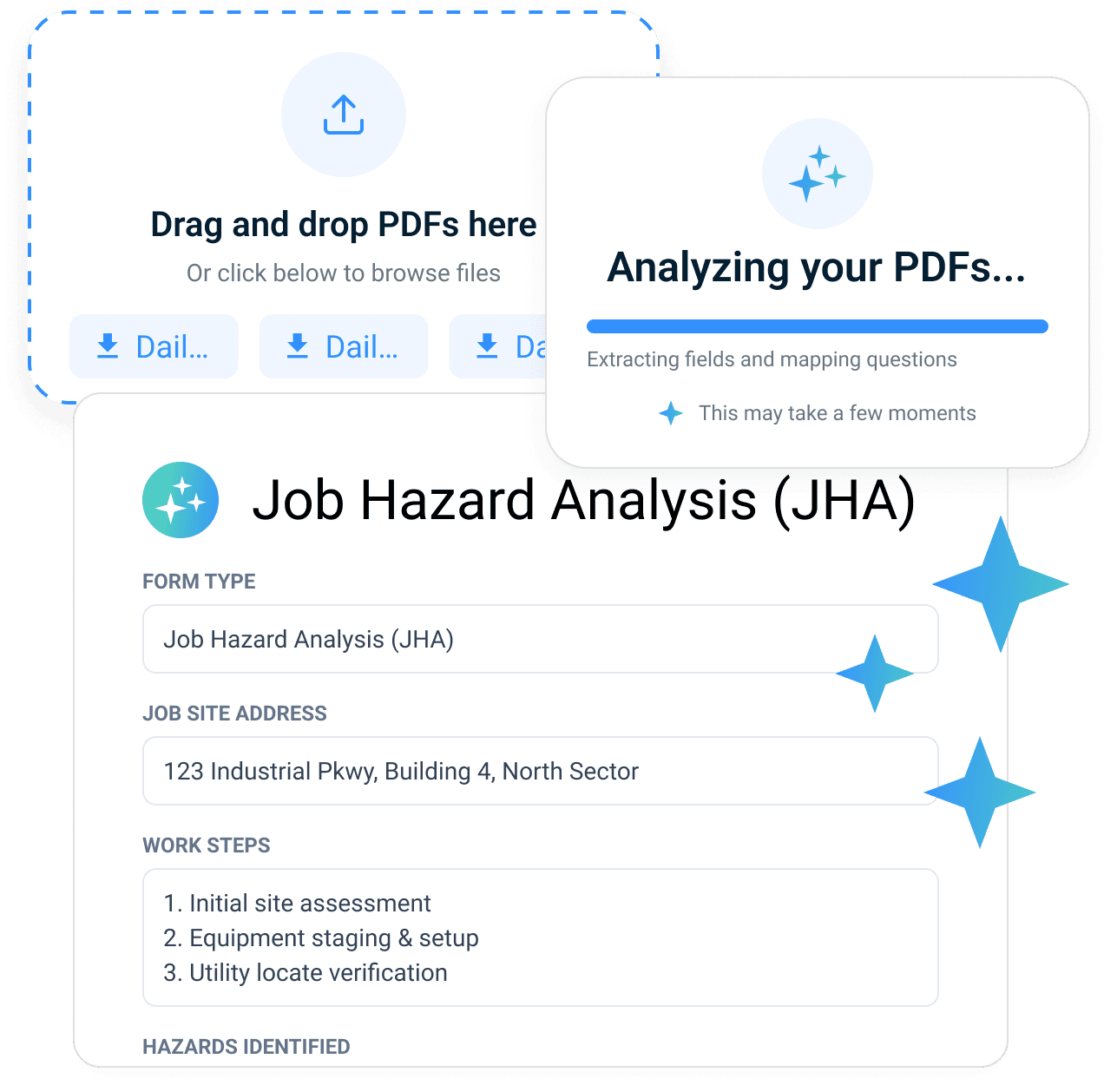
Bring your FLHA, JSA, or pre-task plan. Keep the program. Lose the rebuild.
Your templates hold years of hard-won safety knowledge — lessons from incidents, owner requirements, federal formats, trade-specific procedures. Upload the PDF or paper form you use today. Rosie maps the fields, suggests the branching logic, and hands back a fillable SALUS form with all of that knowledge intact.
From PDF to smart form in minutes.
Higher adoption. Cleaner safety data.
When forms are easier to finish, more work gets documented. That is the adoption advantage: better field experience creates better data resolution for safety, ops, and leadership.
Adoption
Crews finish the record while the work is fresh.
Proof
Verified signatures, photos, and timestamps stay attached.
Visibility
Crew-level data offers unique insights into what's happening in the field.
Everything your forms should have been doing all along.
Rosie form fill
Crews speak, snap, record, or type. Rosie structures the input.
Smart branching
Questions branch by task, hazard, equipment, weather, and answer.
Offline mode
Auto-saves every keystroke locally. Syncs when signal returns.
Multilingual completion
Workers complete in their language. The office gets clean English.
Verified signatures
Tied to identity, certifications, training, timestamp, and form version.
PDF & paper conversion
Upload your FLHA, JSA, or PTP. Rosie turns it into a smart form.
Use cases that start as safety forms.
Go deeper where the form leads.
Forms are the entry point. The connected record is the moat.
Take the workflow into the field.
Go deeper into the operating mechanism behind this feature while staying in the correct regional context.
Digital safety forms, FLHA, JSA, PTP, and connected safety record FAQ
What is digital safety forms software for construction?
What is field level hazard assessment (FLHA) software?
What is the difference between an FLHA, a JSA, and a PTP?
Can SALUS support owner-specific hazard assessment workflows?
How does Rosie help crews complete forms?
Can crews use digital forms offline?
How do verified signatures work in SALUS forms?
Can form data feed dashboards and worker or equipment records?
Can forms be launched from QR codes or equipment checklists?
What should we bring to a digital forms demo?
Bring one field form.
We will show the Rosie version.
Use the form your crew already fills out. We will map the live version with branching, offline completion, signatures, and connected records.
Bring the current workflow. We will map the live version from field action to proof.