

Offline safety app that keeps the record past the last cell tower.
Canadian crews need their provincial OHS programme to work beyond reliable cell coverage, from remote civil projects to concrete parkades. SALUS supports offline FLHAs, workplace inspections, photographs, and signatures so the field record begins where the work happens. Supervisors can keep the relevant site information with the crew and review synchronized records when connectivity returns. The safety coordinator gains a clearer account of what was observed and when, while workers continue to use the project’s established communication procedures for urgent hazards. The connection delivers the record; it should not decide whether the crew can document the work.
Offline safety software for the places work actually happens.
It may seem like a significant investment initially, but we saved the whole platform’s cost in printing alone – not to mention that everything is so much easier and more organized.
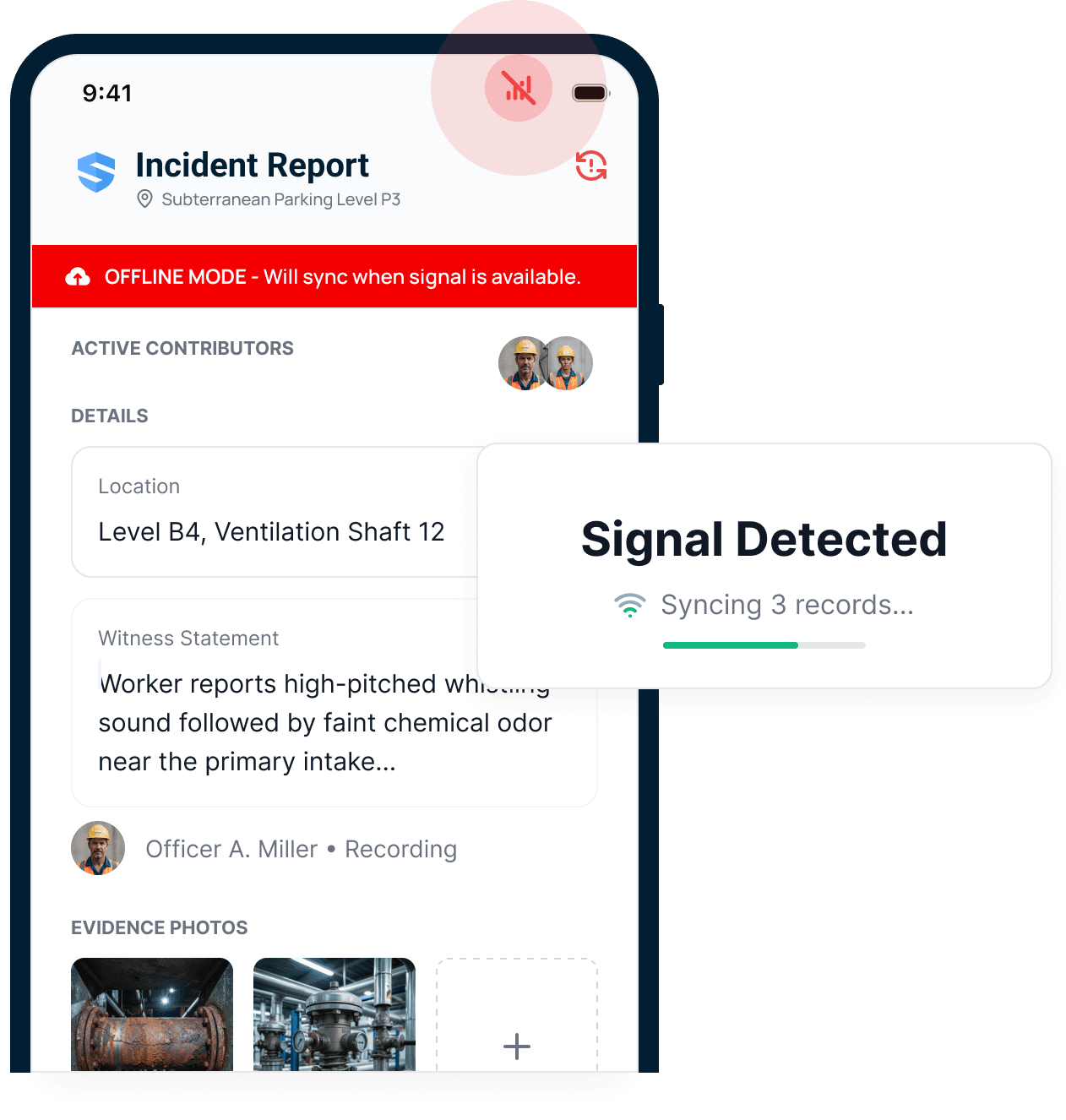



Offline should mean working, not waiting.
Take the OHS workflow into the work area.
A remote access road and a concrete parkade create the same practical problem: the crew needs a record before the phone finds reception. Bring the relevant forms, inspection checklists, equipment information, and safety documents into the field workflow. Capture what happened where the crew can still see the conditions.
Heading to a site with limited reception? Download the SALUS app for iOS or Android before you go.
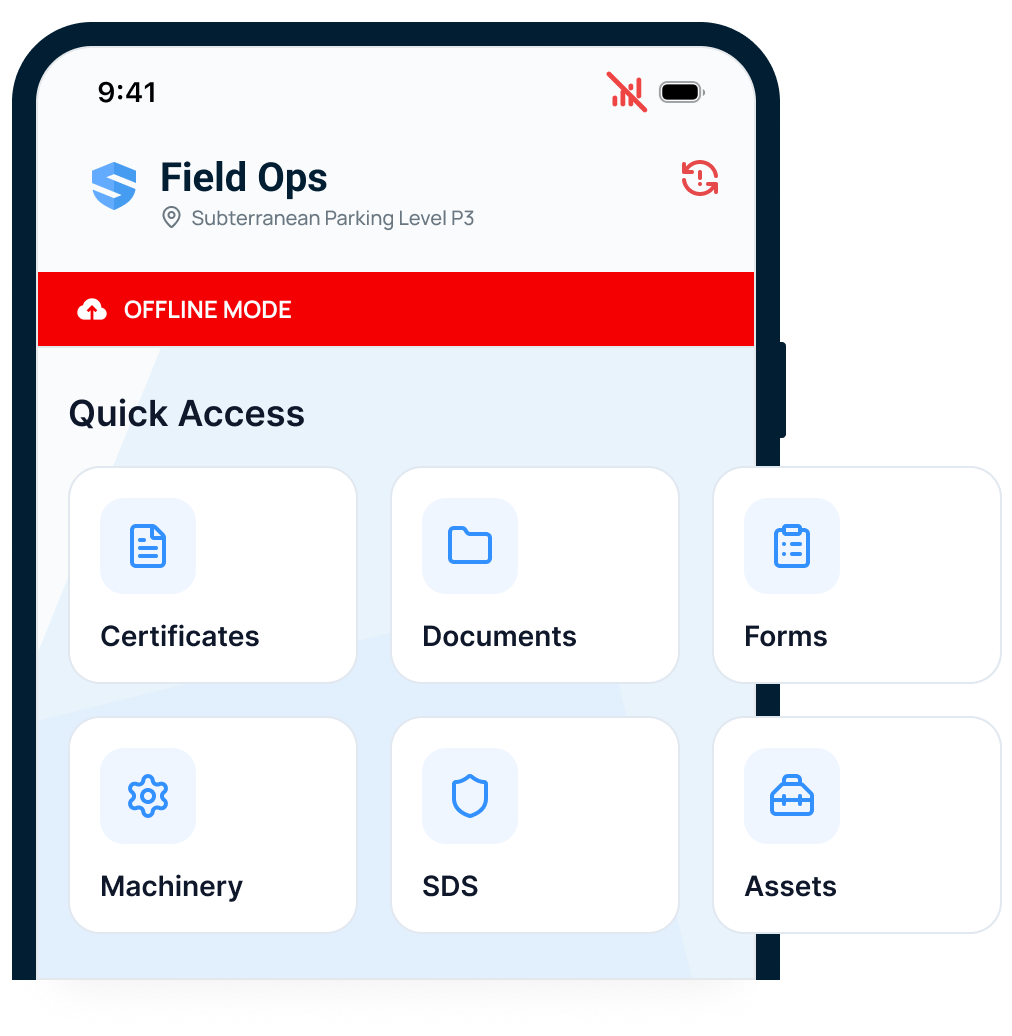
Certificates
Verify a credential at the point of work - no signal required.
Documents & SDS
The data sheet is readable where the chemical actually is.
Forms & inspections
Every workflow runs in the dead zone, start to finish.
Equipment & assets
Full profiles travel with the crew, not the coverage map.
The highest-risk spaces are the worst connected. SALUS documents them anyway.
Keep the FLHA as the crew completes it.
Conditions change while the assessment is being written. Local saving keeps entries on the device as the crew documents the task and its controls. The supervisor can continue the assessment through a coverage gap instead of carrying unfinished details in memory until the truck returns to service.
Nothing to save. Nothing to lose. No reason to stop reporting.
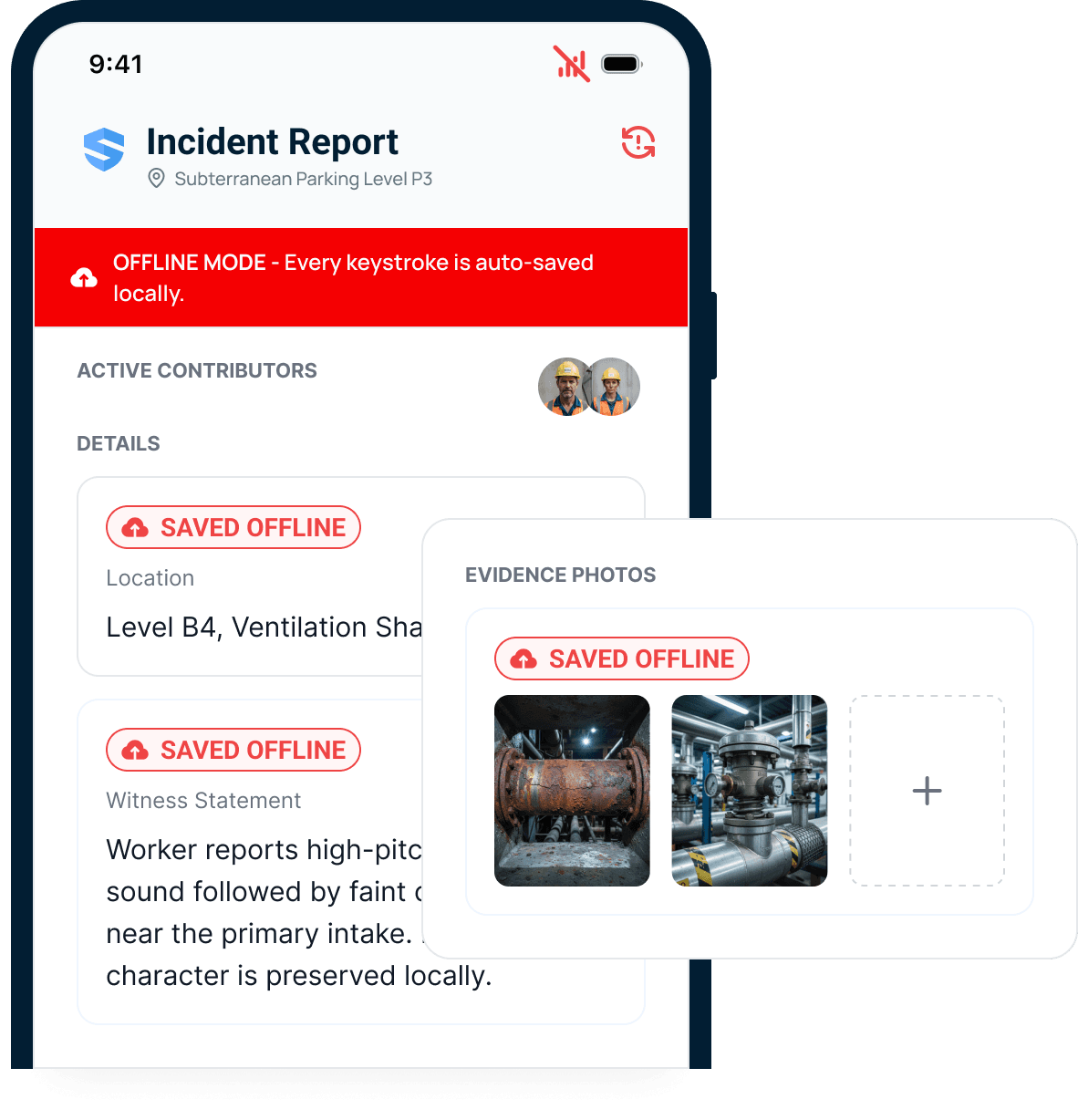
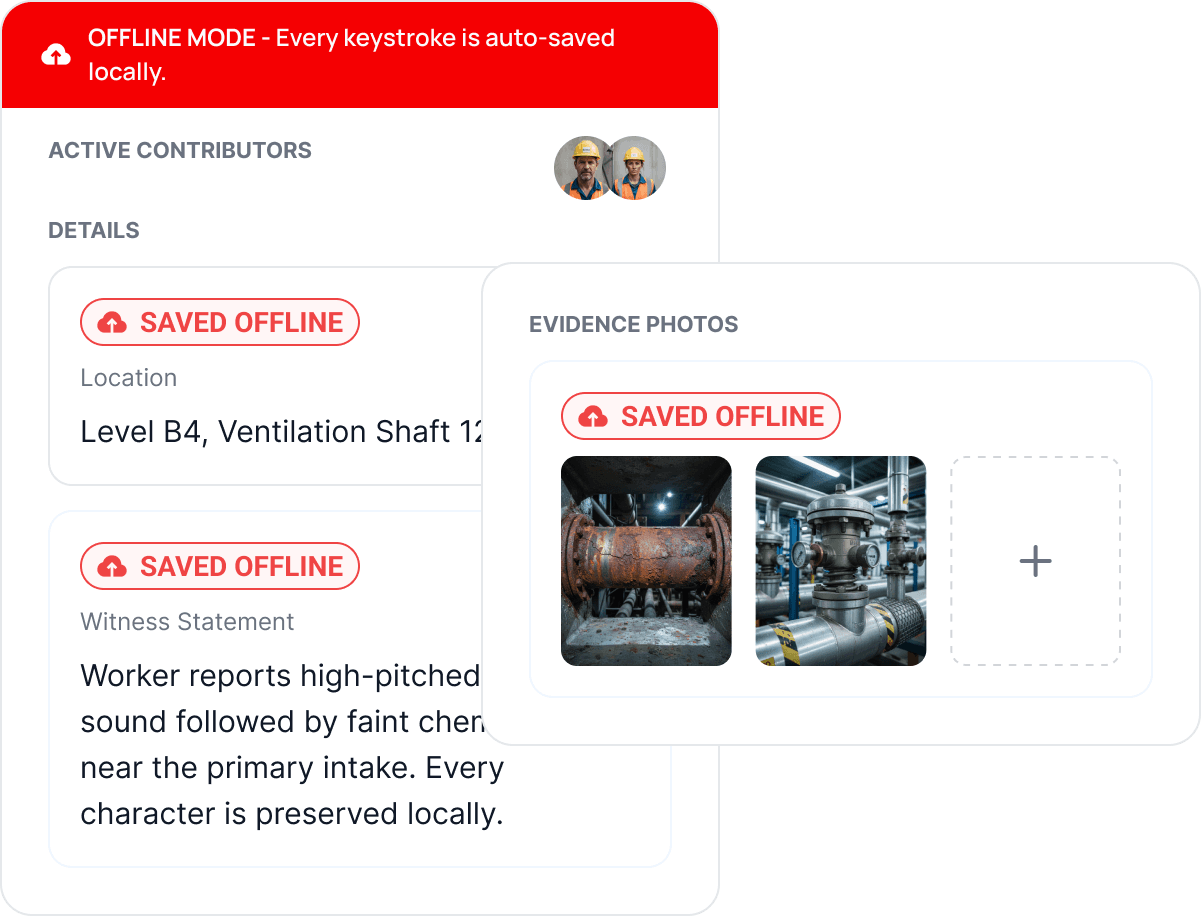
Every field entry is protected.
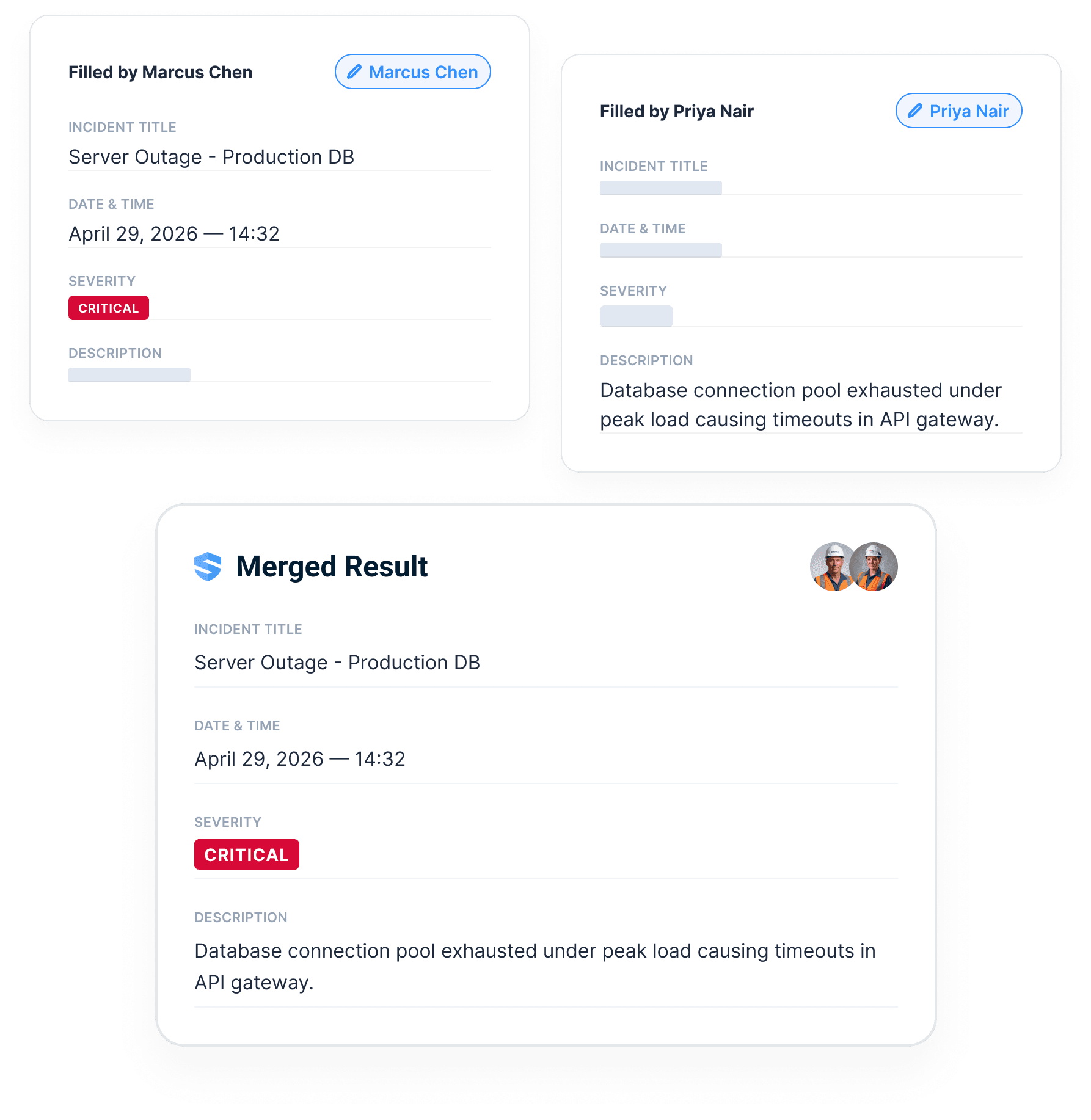
Connect contributions from different parts of the project.
Two people may be documenting the same work from different floors or work areas. SALUS supports contributions to the shared form and brings the record together through synchronization. Keep the team’s responsibilities clear so the completed assessment reflects the work reviewed, rather than a collection of disconnected notes.
Nobody asks "who overwrote my notes?" Nobody has to.
Keep the supporting evidence with the assessment.
An FLHA is more useful when the photograph and signature travel with the relevant record. Capture the site condition, the inspection response, and the notes the next supervisor needs. The office can review the connected information after sync instead of reconciling a form against a separate camera roll.
Offline across the safety record.
Sync cleanly and prove it.
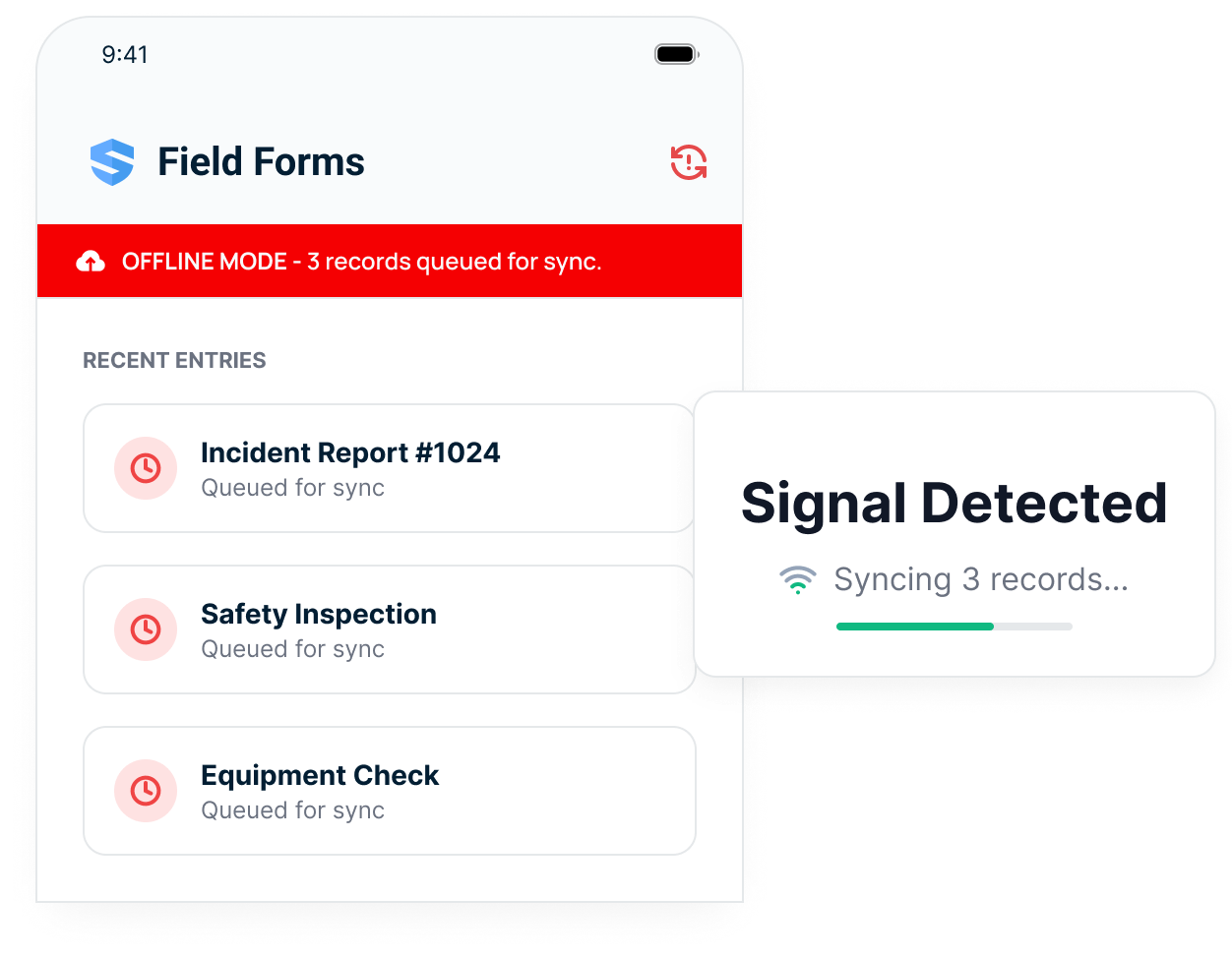
Use the next connection to deliver the field record.
Reception may return at a site gate or during the drive between work areas. SALUS queues locally captured information for synchronization when a connection is available. Confirm delivery before treating the record as available to the office; connection quality and the information being transferred affect that handoff.
Saved in the dead zone. Delivered at the ramp.
Review capture and delivery as separate events.
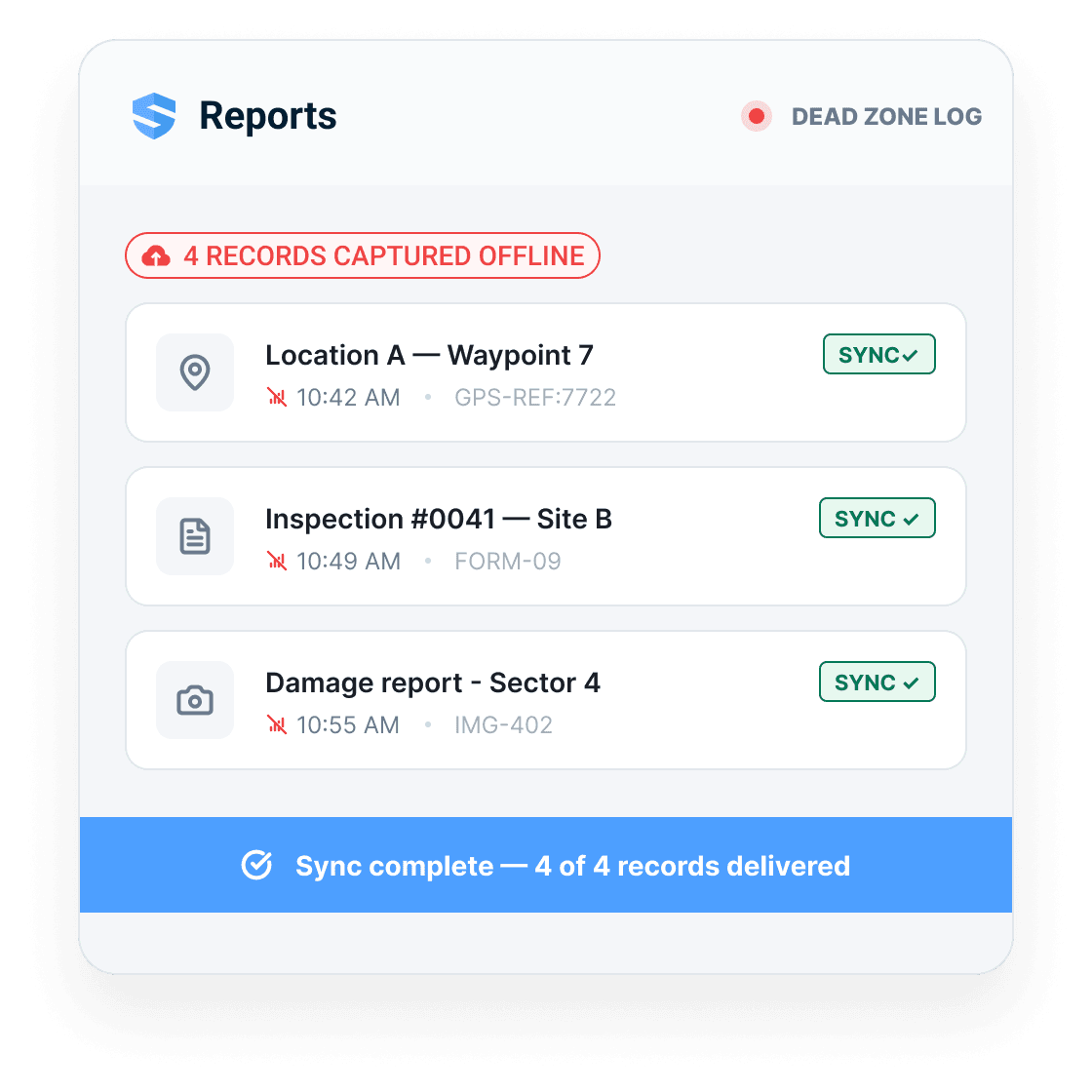
A safety coordinator needs to know both when the crew made the record and when it became available for review. The synchronization history provides that context. Use it to follow up on outstanding assessments, check remote-project reporting, and distinguish a delayed upload from a task that was never completed.
Four captured offline. Four delivered. Zero follow-up calls.
Carry provincial inspection evidence back from remote work
WorkSafeBC’s workplace-inspection provisions cover the workplace and work methods, including locations where reception is unreliable. On a remote British Columbia project, the inspection still needs to reflect the conditions the crew encountered. A notebook transcribed hours later can lose the location, timing, and detail that make a finding useful.
Prepare the relevant FLHA, inspection form, and reference documents before the crew leaves reliable coverage. During the shift, record the actual work area, changing conditions, observations, and photographs. Local capture helps keep those details together until they can be synchronized and reviewed by the office.
For a COR programme, make the resulting evidence part of the same inspection and follow-up process used on connected projects. Verify that records arrived and that outstanding concerns reached a person who can act. Offline capture cannot replace a remote-work communication or emergency plan: a saved record may not yet be visible to anyone else. Set that expectation before dispatch, then use the synchronized history to review what the crew saw, what it did, and which follow-up remains open.
Adoption
Keep the same field workflow available on remote Canadian projects and in areas without reception.
Completeness
Autosave protects every field entry before reception can decide what survives.
Proof
Sync audit trails show where the record came from and when it arrived.
Everything an offline construction app should have been doing all along.
Keystroke-level autosave
Every character saved locally as it is typed - no save points, no Save button.
Full offline workflows
Forms, inspections, certificates, SDS sheets, and equipment profiles - all with zero signal.
Offline media capture
Photos, signatures, and voice notes captured in place - Rosie structures voice at sync.
Multi-person collaboration
Two workers, one form, different floors - entries merge with nothing overwritten.
Five-second sync
Even a brief signal burst is enough for a complete sync.
Sync audit trail
Every record logged as captured offline and confirmed delivered, with timestamps.
Offline workflows across the platform.
Digital forms
The highest-risk, worst-connected spaces documented as thoroughly as the trailer.
Inspections
Capture site walks in basements, shafts, decks, and other dead zones.
Incidents
Divide a complex event between people; the record assembles itself.
Searchable SDS
The data sheet and the credential readable at the point of work, signal or not.
Go deeper where offline matters most.
Offline mode is the proof layer every field workflow should inherit.
Take the workflow into the field.
Go deeper into the operating mechanism behind this feature while staying in the correct regional context.
Offline Mode: questions from Canadian contractors
How should a remote crew prepare its FLHA workflow before leaving coverage?
Can remote-site records be included in a COR audit review?
How can the office tell whether an FLHA has reached the system?
Is there a Save button?
What happens when two people edit the same form offline?
How long does the device need a connection to sync?
What happens to photos and voice notes captured offline?
Won't offline mode fill the phone and burn the data plan?
How does the office know a record was captured offline?
How is SALUS different from partial offline mode?
What should we bring to an offline demo?
Show us your worst dead zone.
We will show the workflow that still works.
Walk through offline capture, autosave, media, witness statements, sync, and audit trail.
Bring the current workflow. We will map the live version from field action to proof.