

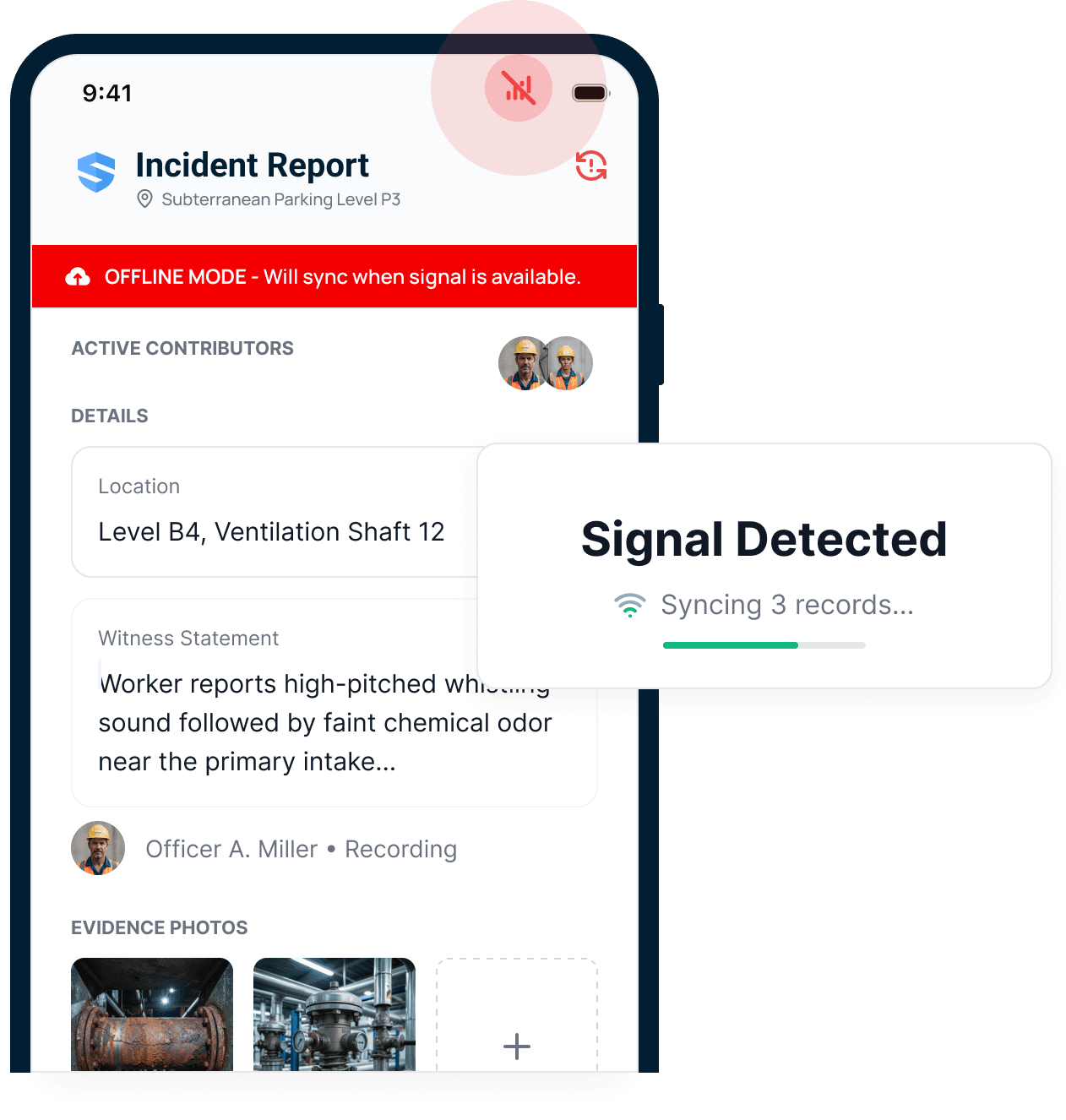
Offline mode
Only SALUSWhen the signal dies
Most platforms stop working without a signal. With SALUS, work keeps moving. Workers fill FLHAs, photos, and inspections offline, and everything syncs when the signal returns.
When contractors grow, paper, disconnected forms, and office-first safety apps begin to break and risk increases. SALUS helps retain control at scale, ready crews efficiently, run safety work faster, and keep the supporting record organized for COR audits, provincial OHS requirements, WCB and insurer processes, and review by owners, GCs, and leadership—across sites and teams, in record time.
I love Rosie. It’s just a total game changer. Something I’ll finish in the next half hour with Rosie would have taken me three days.
Trusted by construction teams that expect safety to move with the work





8+
Years of crew-first product design
1B
Field data points
≈700K
New data points each month
400K
Users
SALUS enables production; it is designed to maximize adoption by the crew, eliminate admin work and friction in the field and at the office, and increase the efficiency of safety workflows as well as the accountability of all stakeholders.
Can a foreperson complete the workflow where the work happens?
SALUS customers care about adoption because safety programs live and die in the field. Let us show you real FLHA, orientation, inspection, permit and certification management on a phone. Test SALUS in poor-to-no connectivity environments, with French-speaking crews (or any worker who speaks one of the 21 languages supported by SALUS), on Android, iPhone, or any regular phone.
Scroll for more
Most platforms stop working without a signal. With SALUS, work keeps moving. Workers fill FLHAs, photos, and inspections offline, and everything syncs when the signal returns.
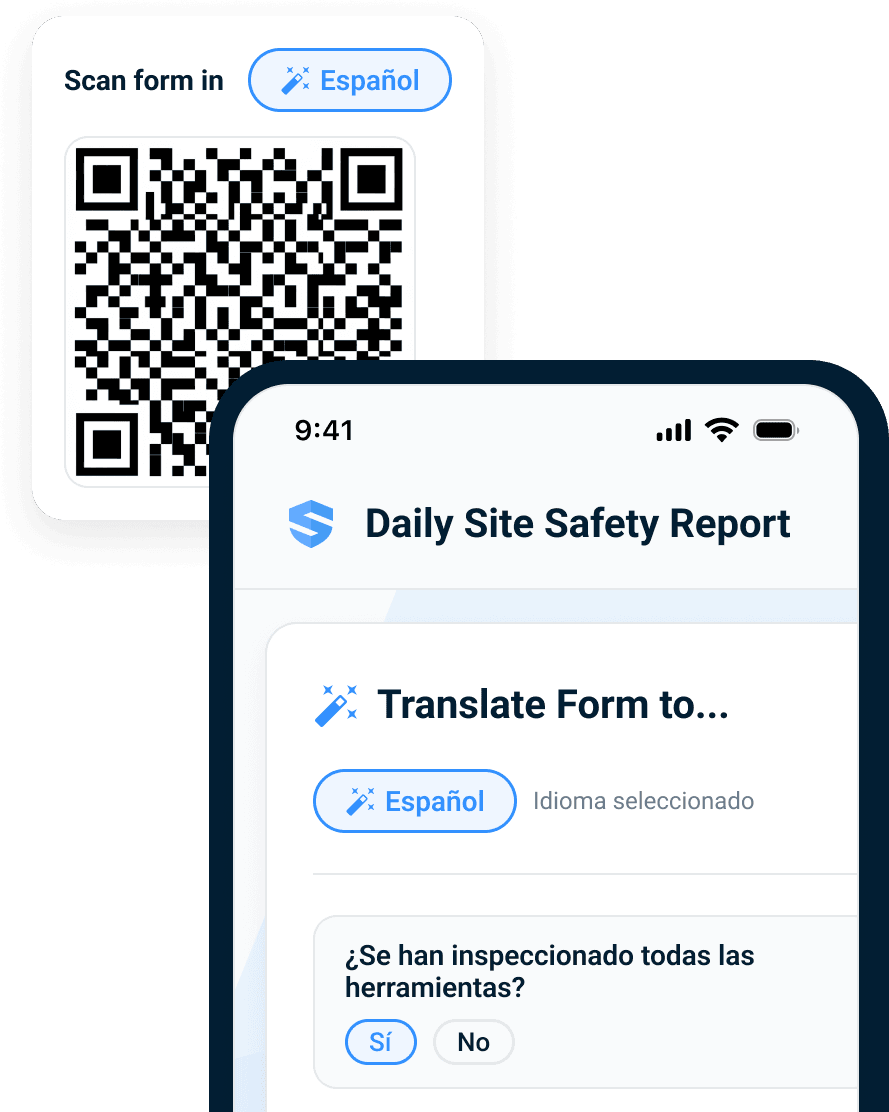
Workers complete the workflow in one of 21 supported languages. The office receives a clean record in English.
Does the system enable production quickly and effectively?
Feature lists don't tell the real story. With SALUS, everything is truly connected - the worker profile, the jobsite, the task, the equipment, the controls, and the training - to deliver precisely what the worker and the crew need to get the job done safely and efficiently. Full worker and company profiles travel across jobsites so registration and orientation happen once - and done.
Scroll for more
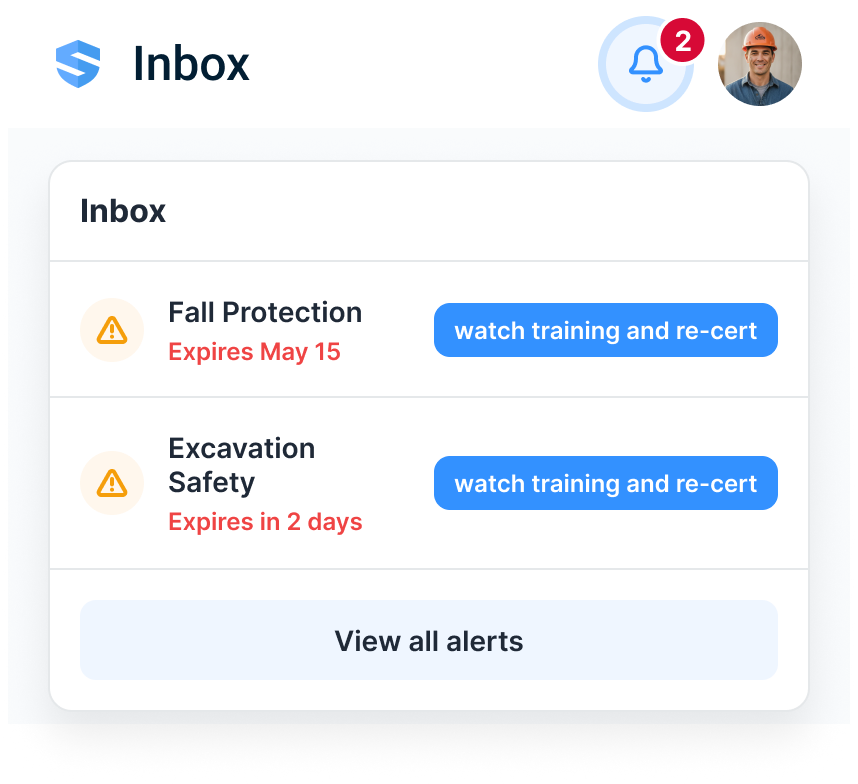
Instead of a dead end, the worker gets the required micro-training on their phone. Completion updates the record immediately—without a separate LMS.
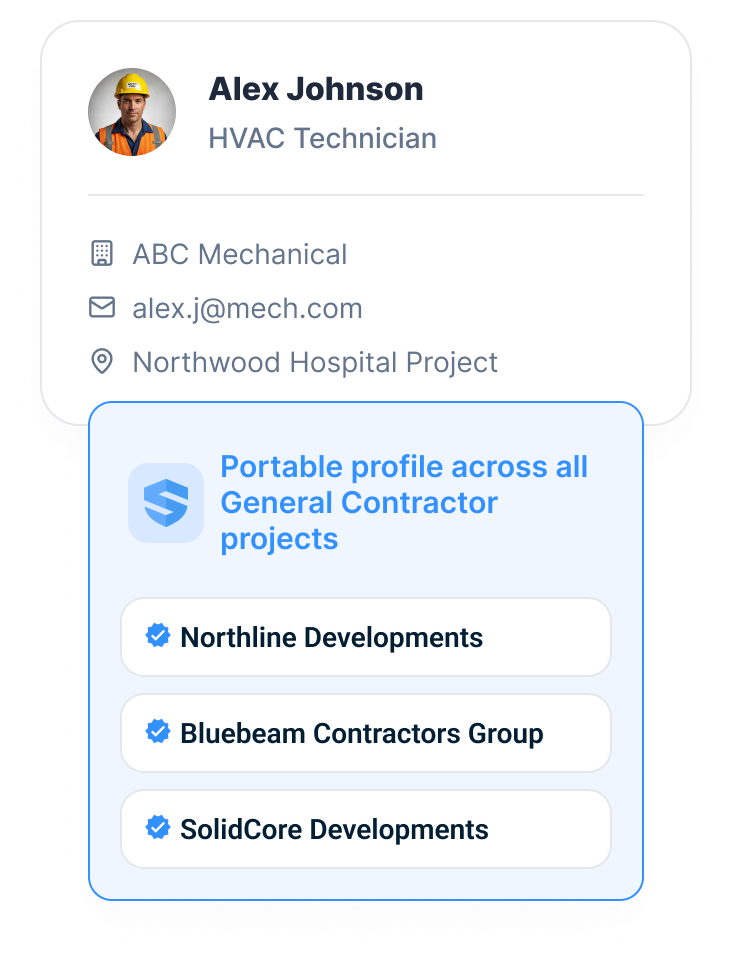
Their orientations, certifications, training, and work history travel with them. No duplicate profile. No re-entry. No fresh onboarding at every gate.
Can every conclusion open back to its source?
SALUS preserves who did what, where, when, for which crew and task, with the original form, photo, voice note, signature, and approval trail attached. Corrective actions are assigned to workers, not companies, so that loops get closed easily.
Scroll for more
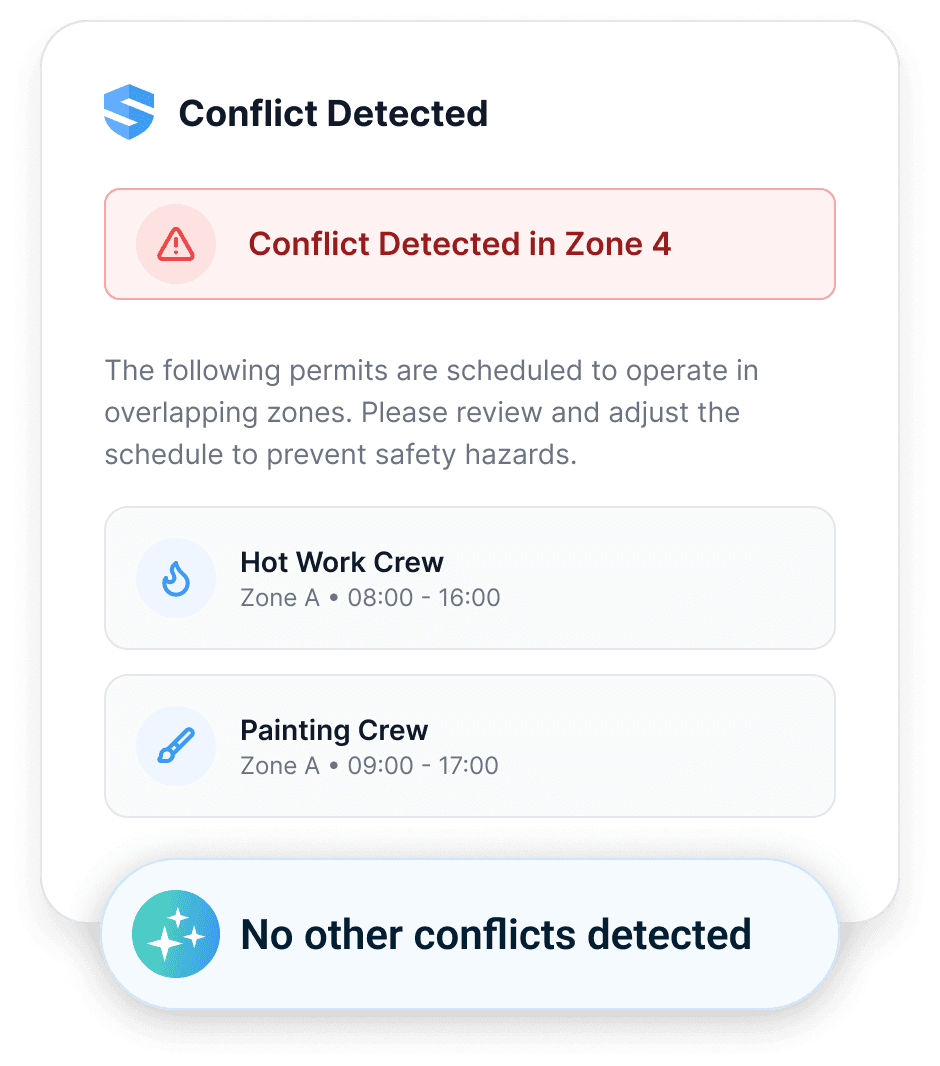
SALUS checks the work, area, time, equipment, and credentials, then flags conflicts before approval.
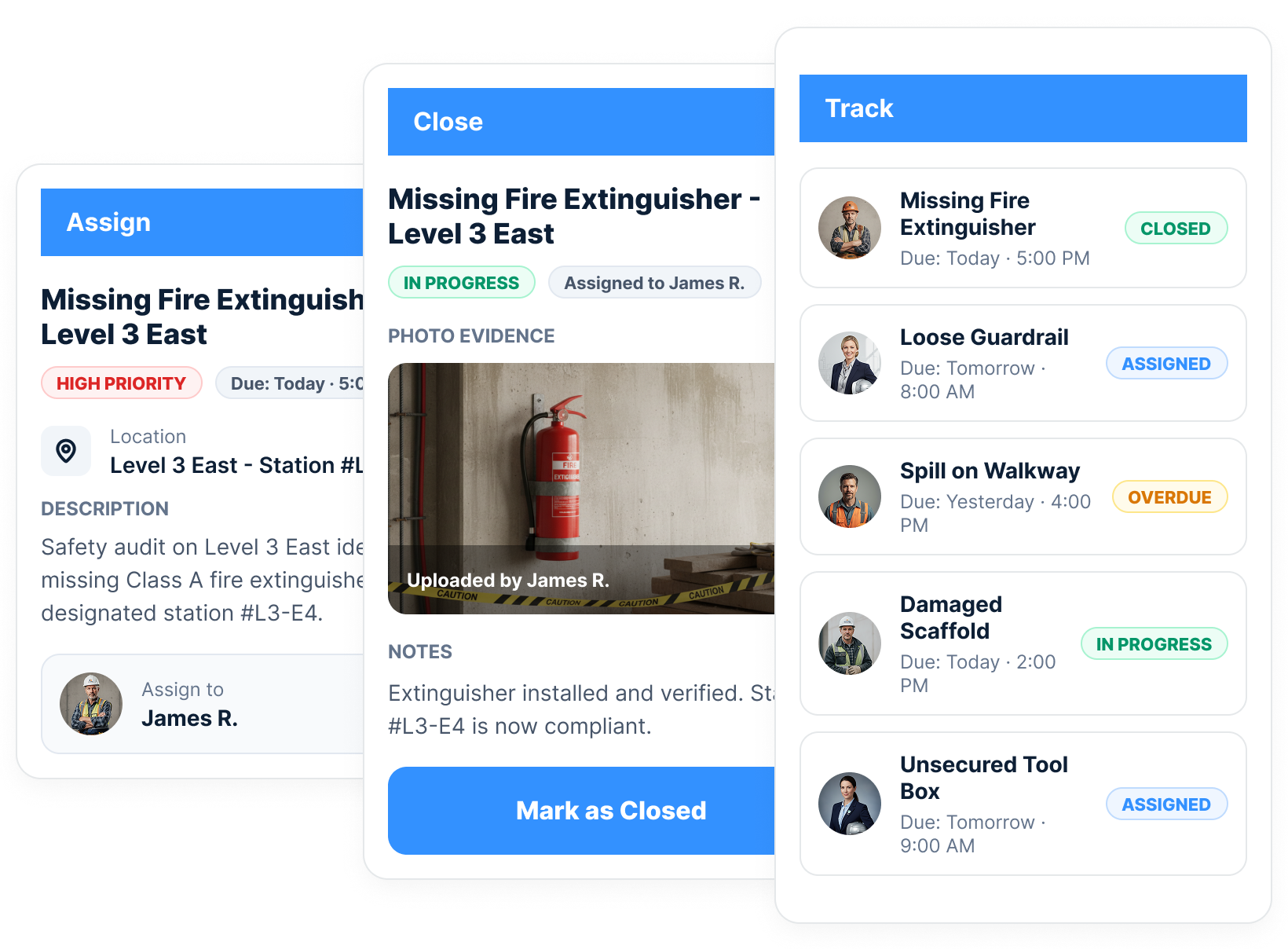
Assign each action to a named worker, track its due date and status, require photo evidence, and preserve closure with the original finding.
Can leaders use the record after the form is submitted?
SALUS generates some of the most valuable operational data: crew-level, at the source, in the moment. Enriched with project data synced from Procore or another project management platform, SALUS puts crew intelligence to work. Beyond dashboards, Rosie generates COR and prequalification packages, provincial OHS and WCB-supporting records, and contemporaneous, defensible proof in seconds.
Scroll for more
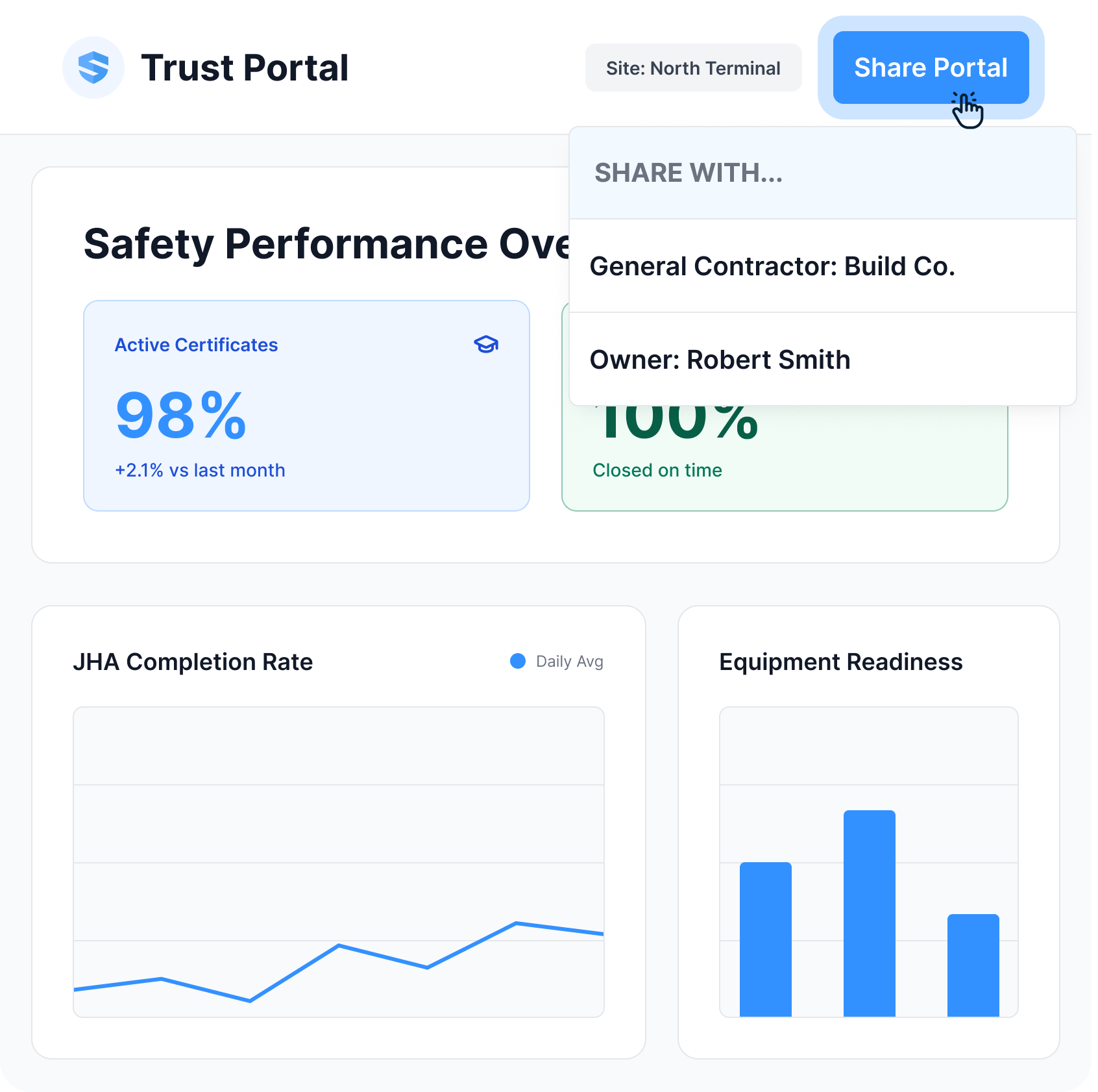
Share a live, permissioned view of current training, certifications, incidents, corrective actions, and performance. No stale PDF. No last-minute evidence hunt.
FindingDefensible3 of 4 alleged delays trace to Titan's own crew shortfalls—not site access. Every point below is timestamped and source-linked.
SALUS preserves the contemporaneous field record. Rosie cross-references the evidence and assembles the delay story while it can still protect the business.
SALUS organizes the platform around the jobs operational safety actually runs — not a flat feature list. Each workflow connects to the next, so the field, the office, and Rosie all work from the same record.
· 01 · Worker & crew readiness
Orientation, training, certification verification - before the shift starts.
· 02 · Field safety operations
Give forepersons and crews the customized forms, procedures, training, or answers they need at the right moment.
· 03 · Risk intelligence
Let Rosie mine thousands of data points from your sites and your crews.
· 04 · Compliance & proof
Let Rosie produce the packets, claims, proof your business needs to win - in seconds.
Rosie is not a separate chatbot or an add-on module. She works across the connected SALUS record to create controls, structure field capture, surface risk, and assemble source-linked outputs—without removing human judgment.
Draft controls, plans, talks, and forms from your approved programs and project context.
Structure voice, photos, scans, signatures, and multilingual field input at the source.
Surface readiness gaps, overdue actions, and risk signals while there is still time to act.
Assemble source-linked answers and reports for a qualified person to review and approve.
Permission-aware · source-linked · human-approved
Showing Rosie example 1 of 4: Map COR requirements against the connected safety record
These published customer results show what happens when crews can complete the record without turning every safety workflow into an administrative project.
There’s not one person in the company that doesn’t sign in and use it.

This takes five minutes. It’s already on your phone. You don’t have to log in every time. You don’t have to search within folders to find it… It’s 10 times quicker.

I have used other AI tools but they were not connected to my company's due diligence documentation itself. By having all of my historical data reviewable, Rosie uses MY real world data to give me insight into what actions will have the greatest potential for positive impact.
SALUS connects crew-level activity to the project and enterprise systems that need it. Keep the source record intact, eliminate double entry, and route the right proof to the right people automatically.
The Procore integration created more tangible value in the form of time back to the field. We eliminated double entries.
Safety activity can become part of the project record without double entry.
Connect safety data to enterprise workflows, BI tools, and reporting systems.
Send certificate alerts, overdue-action escalations, report digests, and stakeholder updates automatically.
Deliver weekly, monthly, owner, insurance, or executive reports without manual assembly.
Procore · API · Automations · Scheduled reports
Join 400K users across 150K sites already on SALUS.
No commitment · 30-minute personalized walkthrough

