

Offline safety app: the signal dies, the record doesn't.
US construction crews still need to inspect the work and follow their OSHA safety program when a basement, steel deck, or remote site has no reception. SALUS keeps field forms, photos, signatures, and inspection records available through offline workflows, with local capture and synchronization when a connection returns. A foreman can document the condition where it happens instead of rebuilding the account in the trailer. The office receives the connected record after sync, while the crew follows the site’s normal communication and emergency procedures for anything that needs attention immediately.
Offline safety software for the places work actually happens.
Within a month or so of us starting to use SALUS, some of the comments were that if we were to take it away and go back to paper, that they would quit.
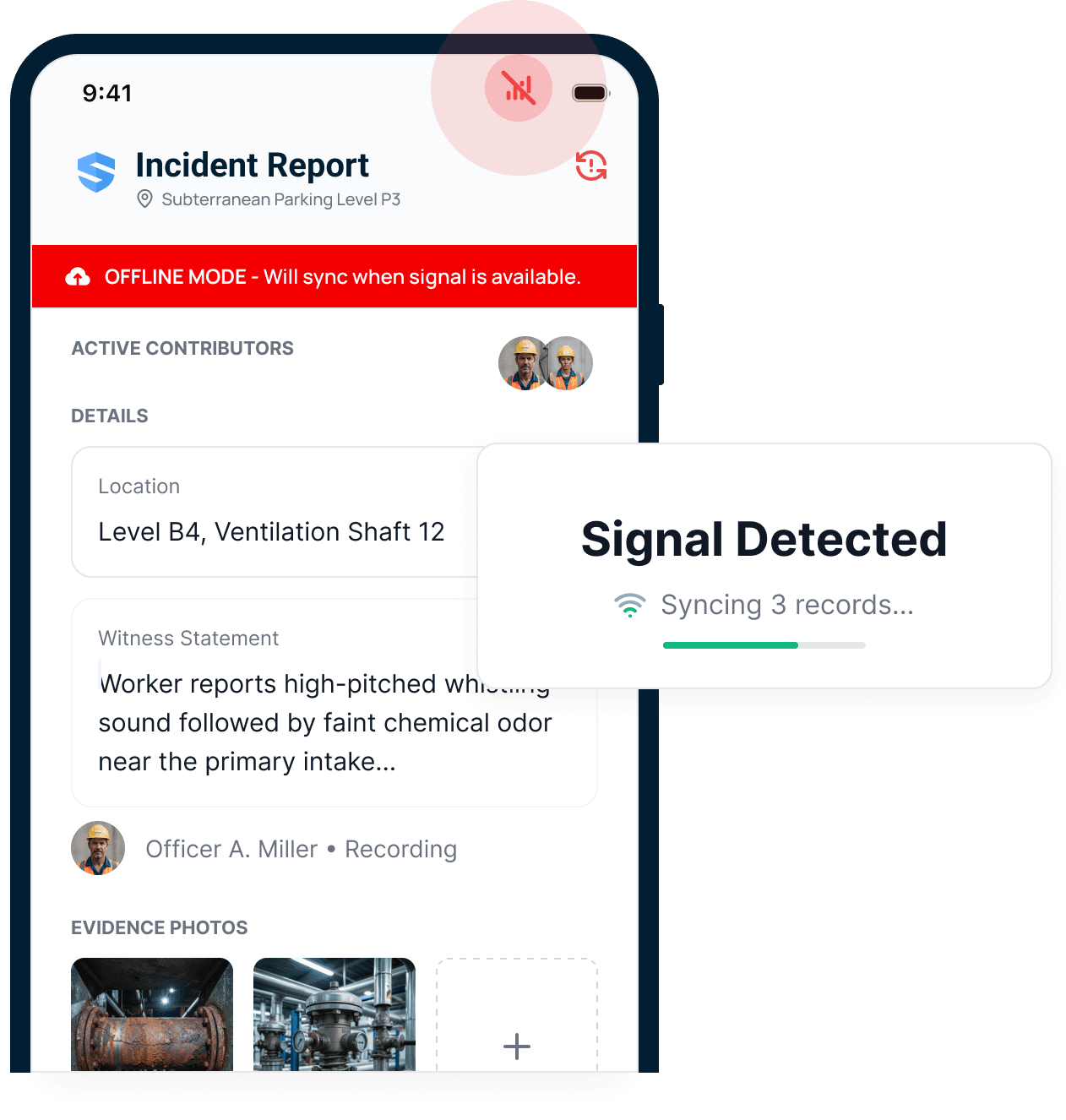



Offline should mean working, not waiting.
If it lives in SALUS, it works in the basement.
Offline-capable software tolerates a dead zone. Offline-first software is built for one. SALUS runs your workflows locally, with zero signal — forms, inspections, certificates, documents, SDS sheets, equipment profiles — in concrete basements, elevator cores, ventilation shafts, steel decks, and remote sites the towers have not reached.
Heading to a site with limited reception? Download the SALUS app for iOS or Android before you go.
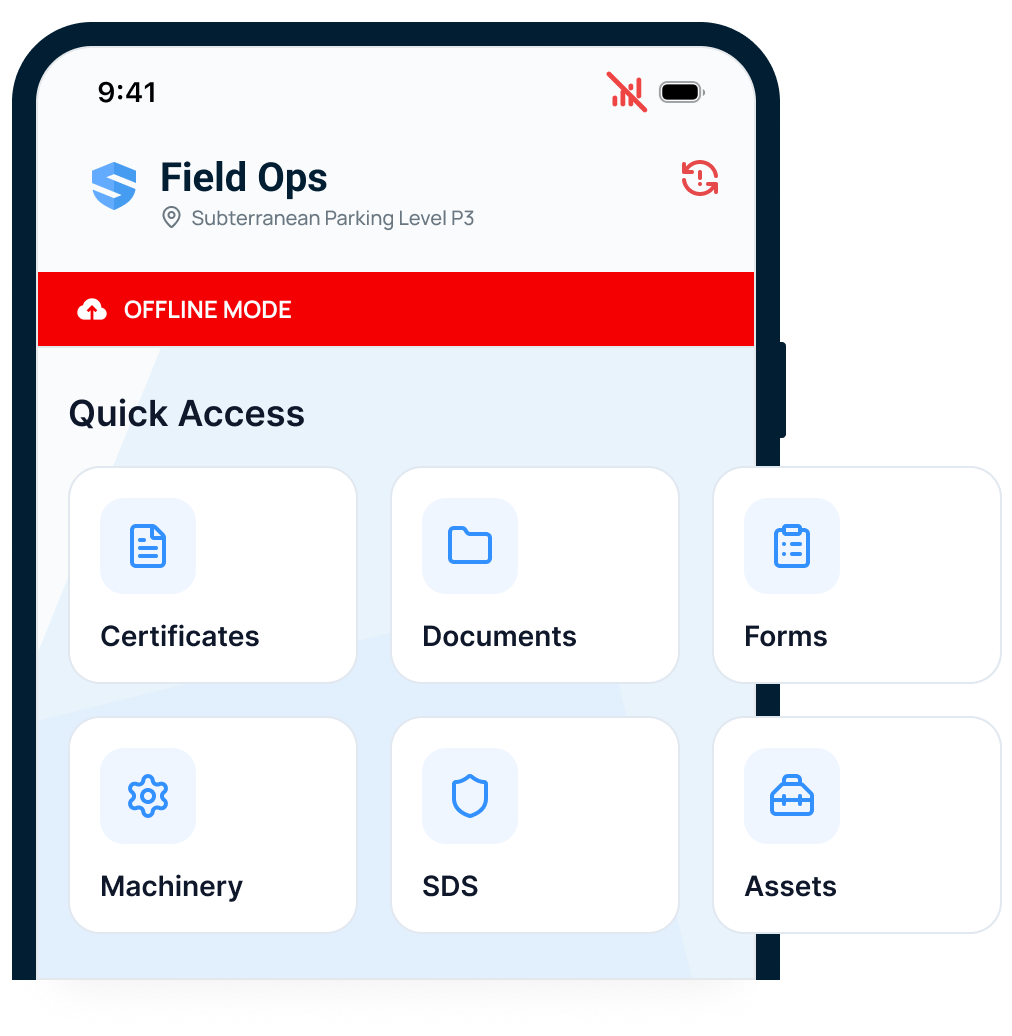
Certificates
Verify a credential at the point of work - no signal required.
Documents & SDS
The data sheet is readable where the chemical actually is.
Forms & inspections
Every workflow runs in the dead zone, start to finish.
Equipment & assets
Full profiles travel with the crew, not the coverage map.
The highest-risk spaces are the worst connected. SALUS documents them anyway.
SALUS does not have a "Save" button. It does not need one.
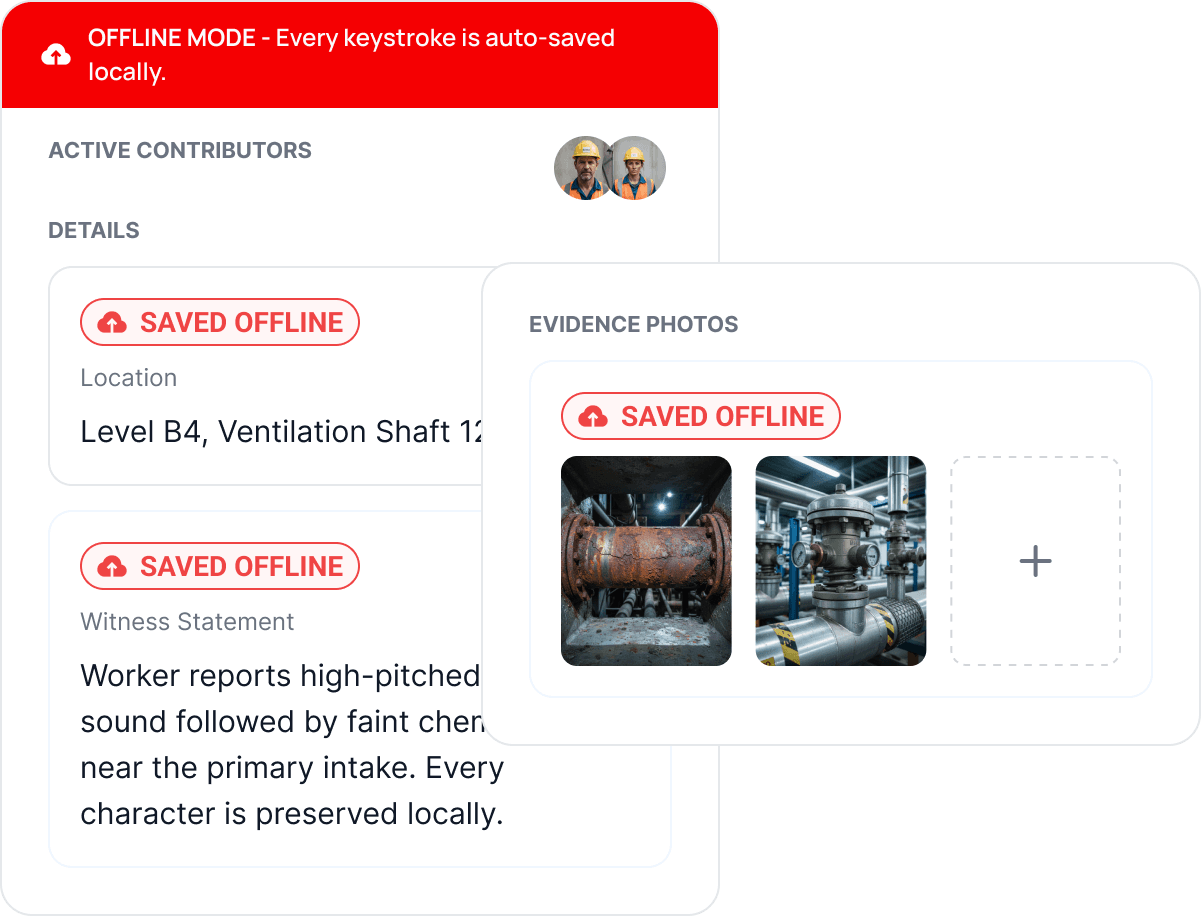
In SALUS, every keystroke is saved to the device as it is written. Not at save points - every single character, exactly the way Google Docs works, except built for a job site where offline is the default state, not the exception.
Read the field adoption guide for ways to make photo and note capture easier for crews.
Nothing to save. Nothing to lose. No reason to stop reporting.
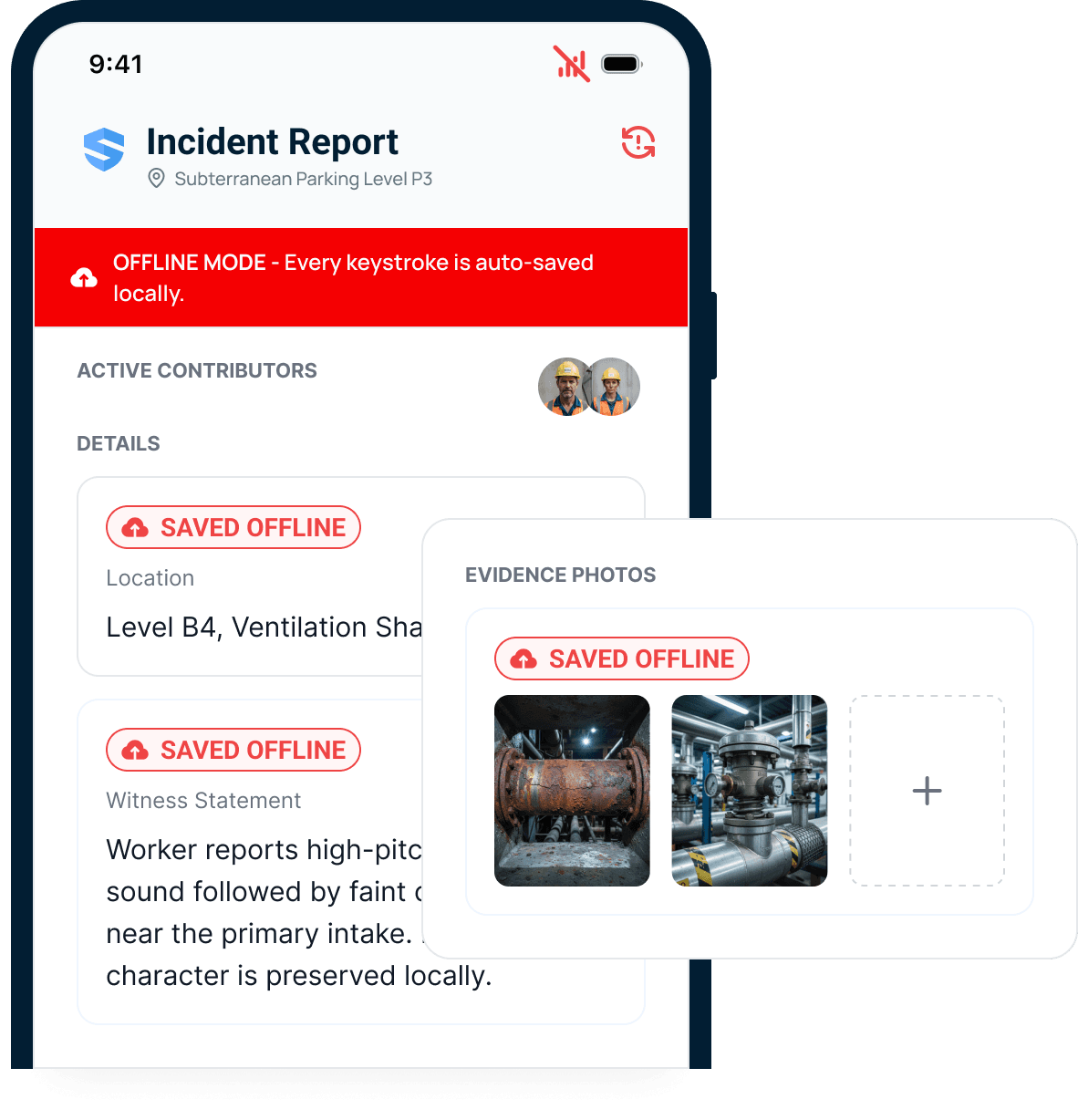
Every field entry is protected.
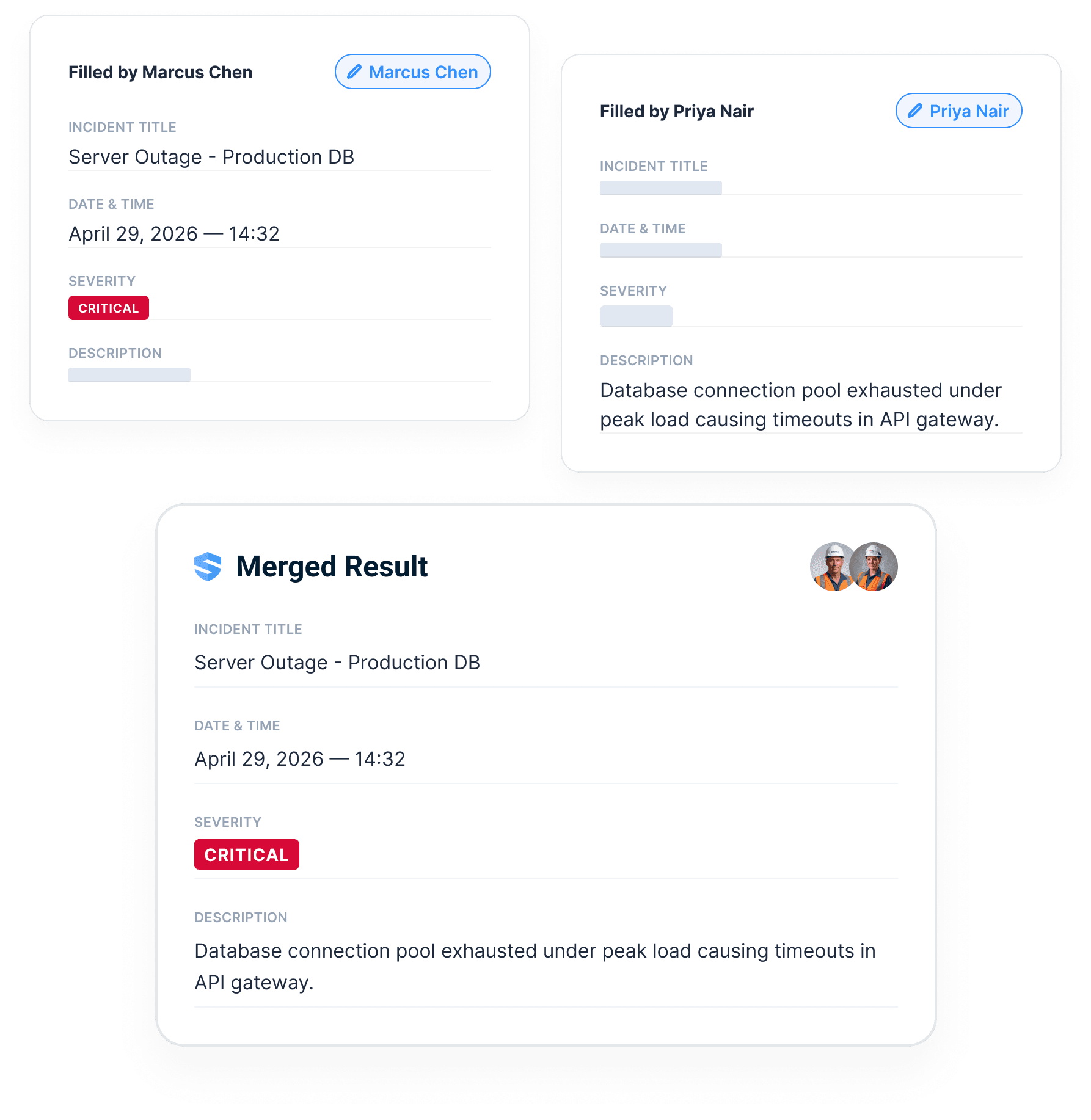
One form. Two authors. Zero version conflicts.
In SALUS, two workers open the same form from different floors, in different signal conditions, and their entries merge at the field level: nothing overwritten, nothing duplicated. Any role can contribute - and when the field needs help, the right person can be invited straight into the live form.
Nobody asks "who overwrote my notes?" Nobody has to.
Forms, inspections, permits, incidents, and SDS keep working offline.
The offline story is not just forms. The field needs inspections, permits, incidents, certificates, training, SDS, photos, signatures, witness statements, and notes to keep moving.
Offline across the safety record.
Sync cleanly and prove it.
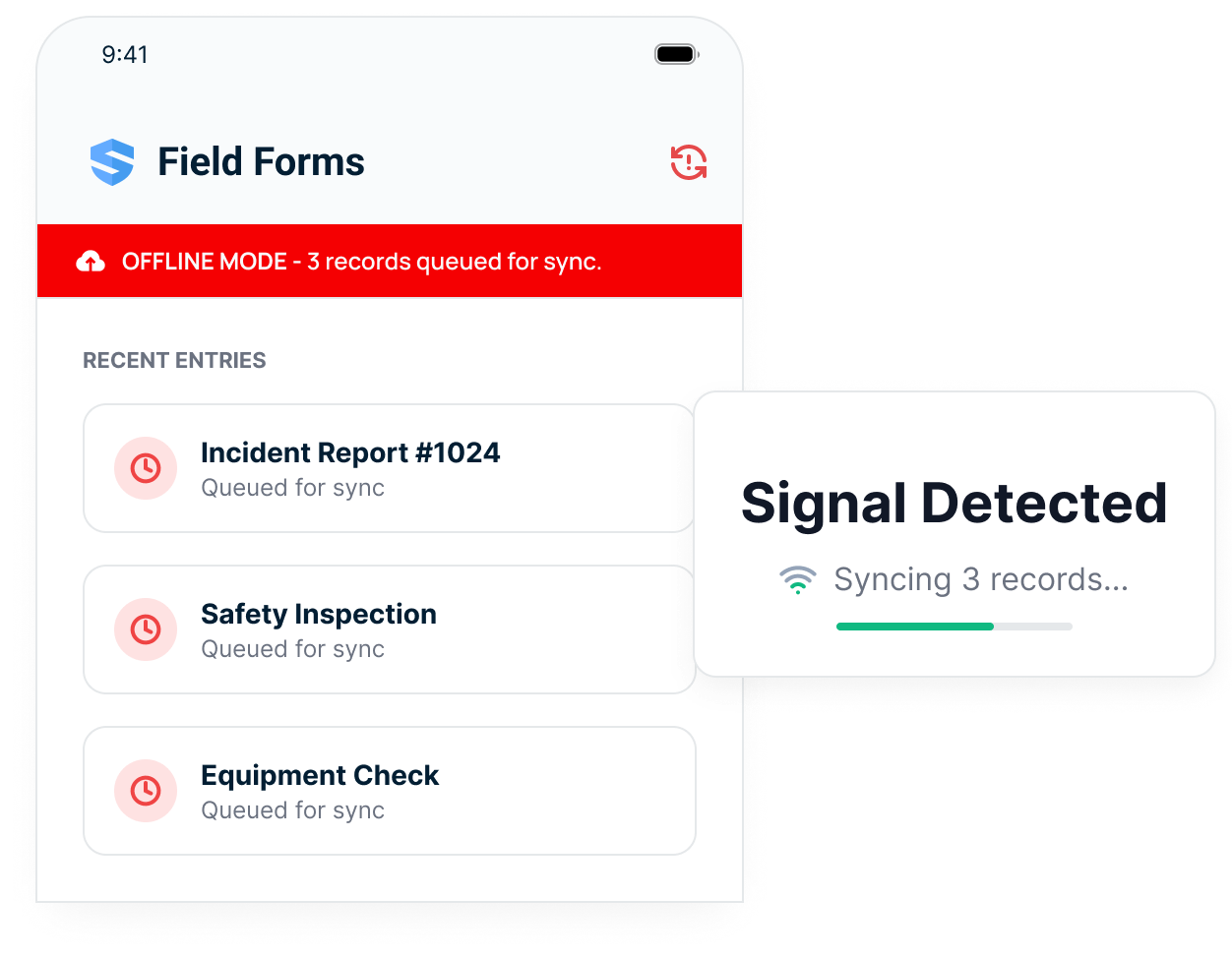
A five-second signal burst is a complete sync.
Job-site coverage comes in flickers - at the ramp, the gate, the hoist. Offline modes that need minutes of stable connection never catch up. SALUS stores every record locally and moves it the instant any signal appears: even a brief burst is enough for a complete sync. Crews never babysit an upload bar, and the office never waits for end of shift.
Saved in the dead zone. Delivered at the ramp.
The sync audit trail proves what happened.
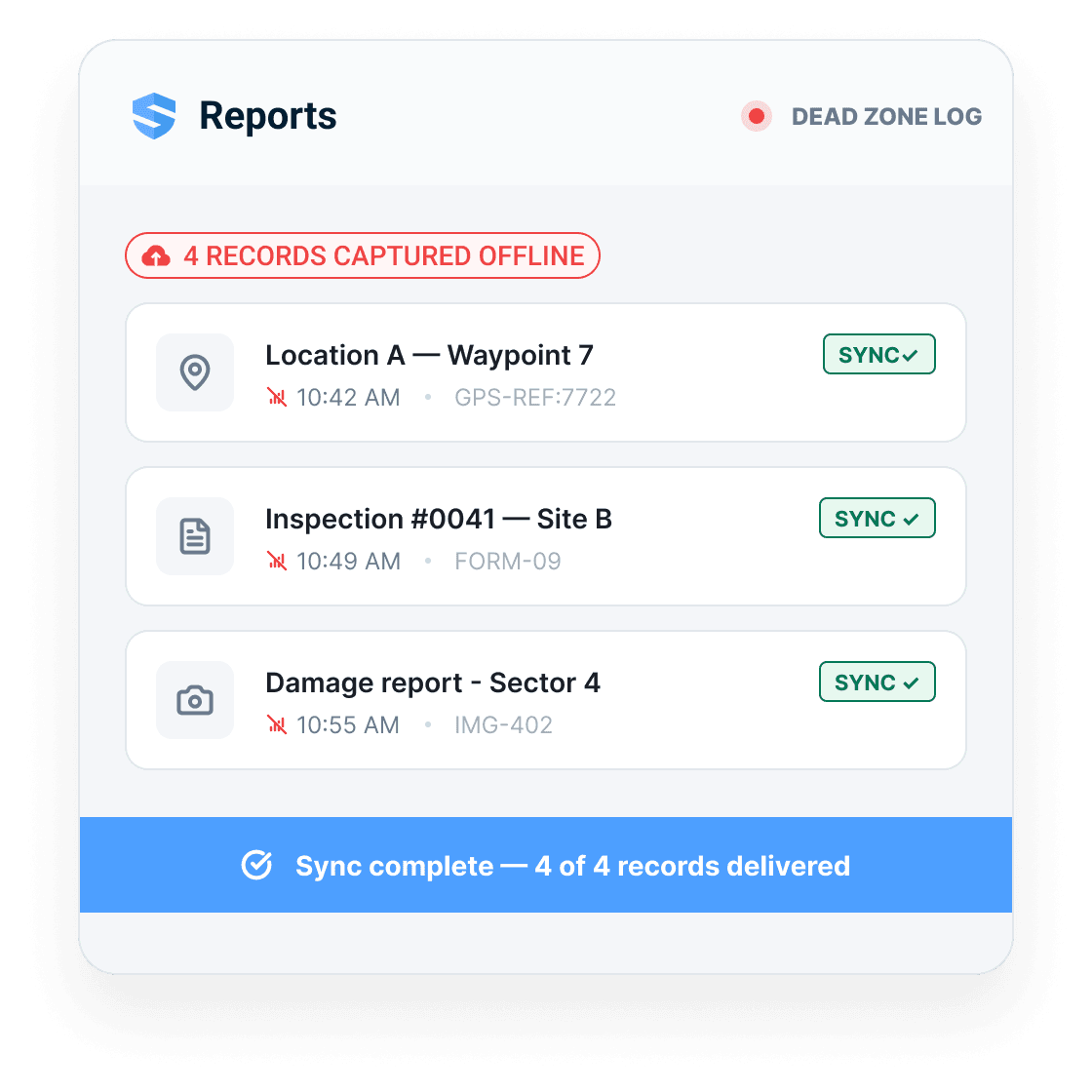
The data arrives complete from places with zero reception, so nothing is reconstructed from memory at the end of the day. The record the safety director can verify and stand behind is the record the field actually wrote.
Four captured offline. Four delivered. Zero follow-up calls.
Keep OSHA inspection work moving through dead zones
OSHA’s construction inspection requirement does not depend on a mobile signal. The designated competent person still needs to examine the jobsite, materials, and equipment as required by the work. A lost connection should not turn a site walk into a memory exercise at the end of the shift.
Before heading into a low-signal area, confirm that the crew has the current forms and reference documents it needs. During the walk, capture the location, observations, photographs, and assigned follow-up while the details are available. SALUS stores supported field records locally and synchronizes them when connectivity returns, keeping the evidence connected to the inspection.
Plan separately for urgent communication. An offline record is not a live alert to someone whose device has not received it. If a condition calls for stopping work, protecting an area, or contacting emergency services, follow the site procedure immediately. At the next connection, check synchronization and review any outstanding action with the supervisor. That separates the time of field capture from the time the office could actually see the information.
Use the dated OSHA for Construction field guide for current penalties, inspection steps, recordkeeping, and heat-rule status.
Adoption
Keep the field workflow available through the dead zones crews encounter during the shift.
Completeness
Autosave protects every field entry before reception can decide what survives.
Proof
Sync audit trails show where the record came from and when it arrived.
Everything an offline construction app should have been doing all along.
Keystroke-level autosave
Every character saved locally as it is typed - no save points, no Save button.
Full offline workflows
Forms, inspections, certificates, SDS sheets, and equipment profiles - all with zero signal.
Offline media capture
Photos, signatures, and voice notes captured in place - Rosie structures voice at sync.
Multi-person collaboration
Two workers, one form, different floors - entries merge with nothing overwritten.
Five-second sync
Even a brief signal burst is enough for a complete sync.
Sync audit trail
Every record logged as captured offline and confirmed delivered, with timestamps.
Offline workflows across the platform.
Digital forms
The highest-risk, worst-connected spaces documented as thoroughly as the trailer.
Inspections
Capture site walks in basements, shafts, decks, and other dead zones.
Incidents
Divide a complex event between people; the record assembles itself.
Searchable SDS
The data sheet and the credential readable at the point of work, signal or not.
Go deeper where offline matters most.
Offline mode is the proof layer every field workflow should inherit.
Offline Mode: questions from US construction teams
Can a superintendent document an OSHA-related site walk without reception?
Will an offline incident record alert the office immediately?
Does everything really work offline, or just forms?
Is there a Save button?
What happens when two people edit the same form offline?
How long does the device need a connection to sync?
What happens to photos and voice notes captured offline?
Won't offline mode fill the phone and burn the data plan?
How does the office know a record was captured offline?
How is SALUS different from partial offline mode?
What should we bring to an offline demo?
Show us your worst dead zone.
We will show the workflow that still works.
Walk through offline capture, autosave, media, witness statements, sync, and audit trail.
Bring the current workflow. We will map the live version from field action to proof.